




Like
Share


Steps for Writing a Story Presentation
Premium template
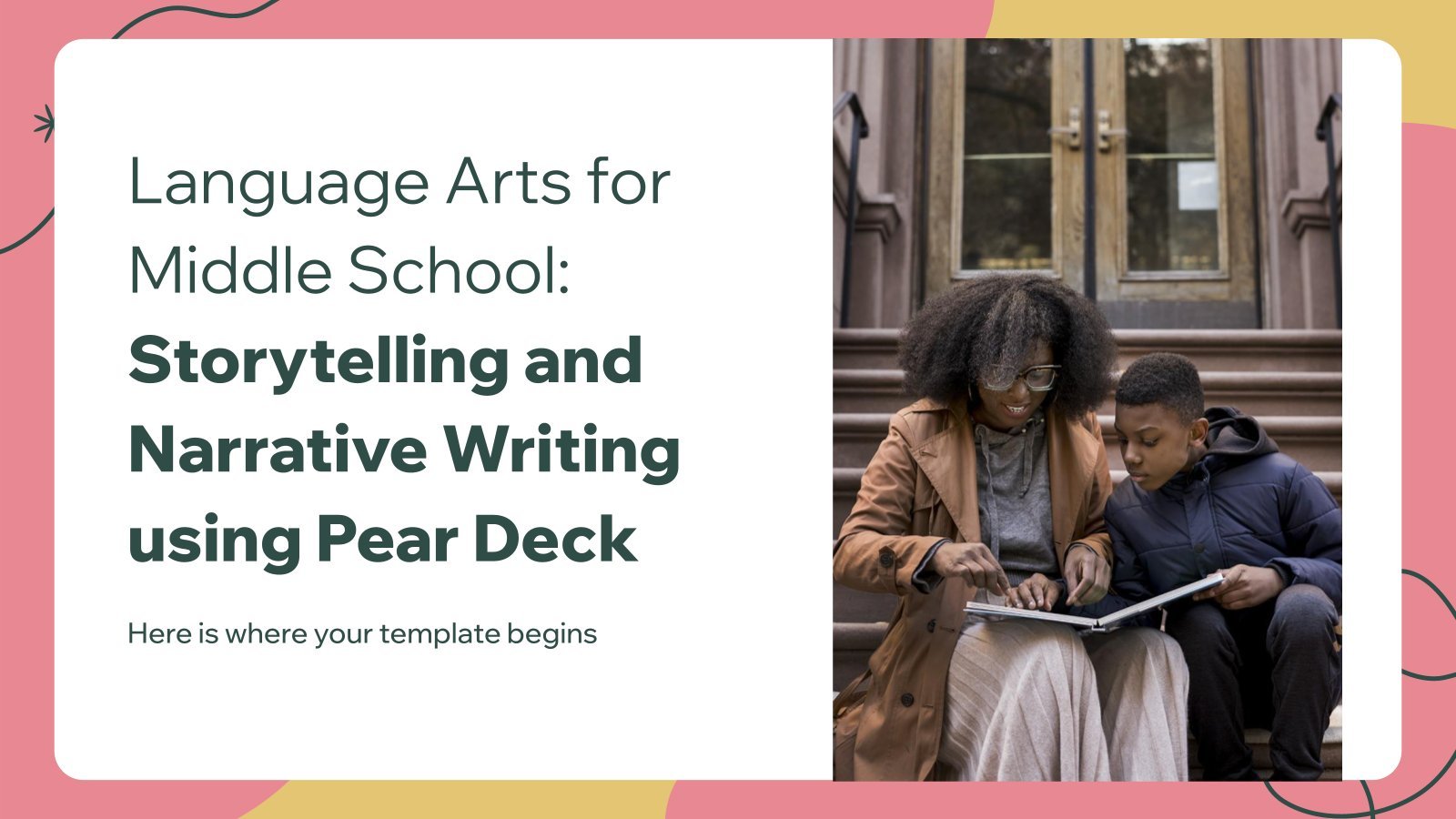
Writing a compelling and engaging story can be a challenging task, but with the right tools and techniques, anyone can do it. Our Google Slides and PowerPoint template is designed to help aspiring writers create a structured and effective plan for writing their own stories, as it contains actual content offered by educators. Choose the language of your choice and find out how to start writing a story that captivates your readers!
Features of this template
- Designed for middle school
- 100% editable and easy to modify
- 17 different slides to impress your audience
- Contains easy-to-edit graphics such as graphs, maps, tables, timelines and mockups
- Includes 500+ icons and Flaticon’s extension for customizing your slides
- Designed to be used in Google Slides, Canva, and Microsoft PowerPoint
- 16:9 widescreen format suitable for all types of screens
- Includes information about fonts, colors, and credits of the resources used
- Available in different languages
- Learn more in How to use this template?
Ads
Available languages
Available languages

Register for free and start downloading now
Register on our website to download 3 FREE templates every month, or GO Premium for unlimited downloads!
Related templates
/
Like
Download
Generate content with AI
/
Like
Download

/
Like
Download

/
Like
Download

/
Like
Download

/
Like
Download

/
Like
Download

/
Like
Download
/
Like
Download

/
Like
Download

/
Like
Download

/
Like
Download

/
Like
Download

/
Like
Download
Generate content with AI

/
Like
Download
Popular templates

/
Like
Download
Generate content with AI
/
Like
Download
Generate content with AI

/
Like
Download

/
Like
Download
Generate content with AI

/
Like
Download

/
Like
Download
Generate content with AI