
Bee Presentation templates - Page 2
Buzzing with excitement? Get ready to take your presentations to the next level with this collection of Google Slides and PowerPoint templates all about bees! Whether you're a professional apiarist or simply fascinated by these fascinating pollinators, our templates are the perfect way to bring your presentations to life. With a wide variety of designs to choose from, you'll have everything you need to create a buzzworthy slideshow.


It seems that you like this template!
Register for free and start downloading now
Download the Bee Theme for Elementary presentation for PowerPoint or Google Slides and easily edit it to fit your own lesson plan! Designed specifically for elementary school education, this eye-catching design features engaging graphics, and age-appropriate fonts; elements that capture the students' attention and make the learning experience more enjoyable...

Download the "Cute Spring Cards Collection" presentation for PowerPoint or Google Slides and start impressing your audience with a creative and original design. Slidesgo templates like this one here offer the possibility to convey a concept, idea or topic in a clear, concise and visual way, by using different graphic...
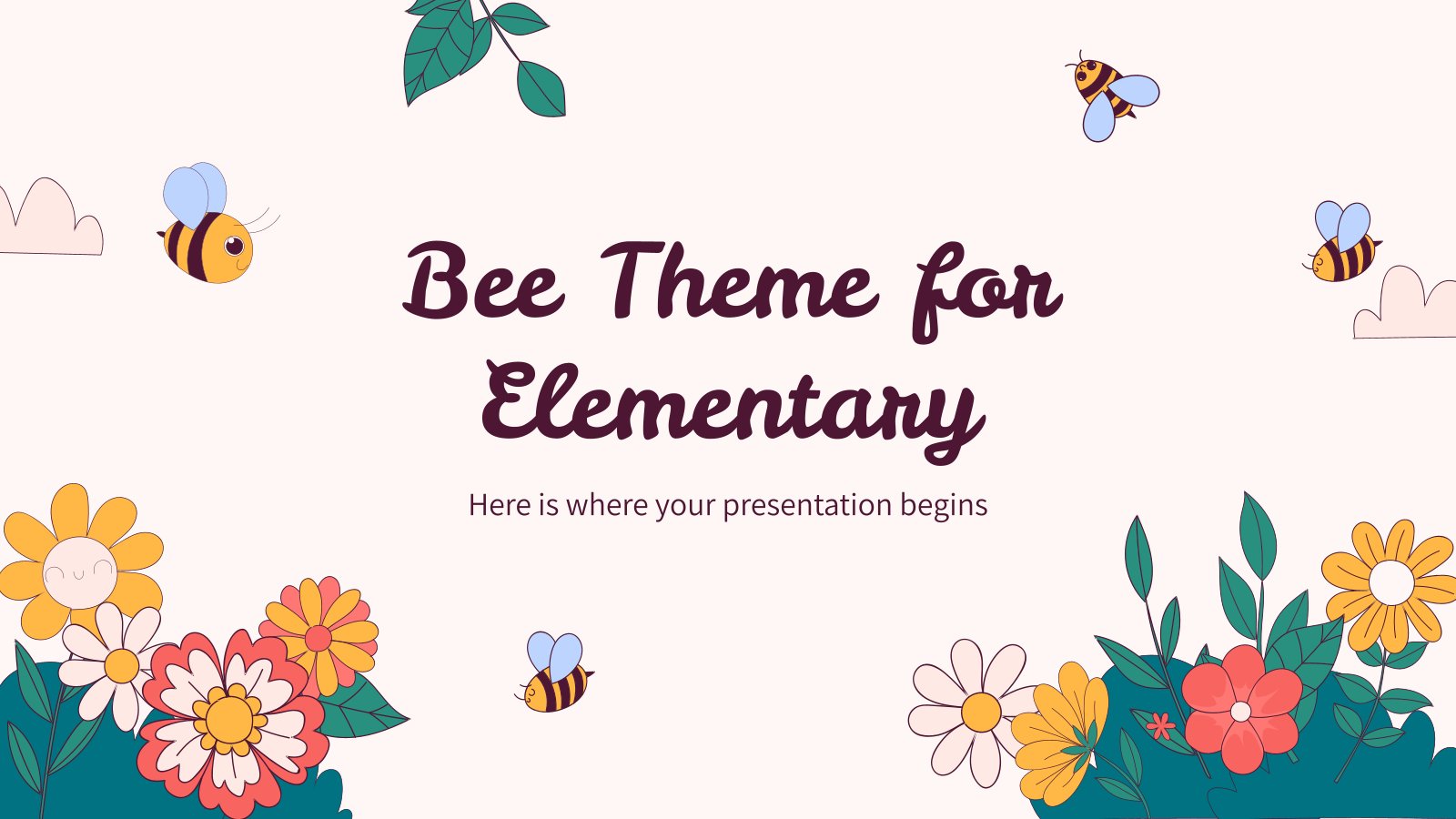
Download the Bee Theme for Elementary presentation for PowerPoint or Google Slides and easily edit it to fit your own lesson plan! Designed specifically for elementary school education, this eye-catching design features engaging graphics, and age-appropriate fonts; elements that capture the students' attention and make the learning experience more enjoyable...

Download the Bee & Beehive Cut-outs template for PowerPoint or Google Slides! Dive into a world of endless possibilities with our unique cut out resource. Whether you're a teacher looking to inspire your students or a parent seeking fun activities for your little ones, these cut out slides are the...

Download the Bee Theme for High School presentation for PowerPoint or Google Slides. High school students are approaching adulthood, and therefore, this template’s design reflects the mature nature of their education. Customize the well-defined sections, integrate multimedia and interactive elements and allow space for research or group projects — the...

Download the The World of Bees presentation for PowerPoint or Google Slides and teach with confidence. Sometimes, teachers need a little bit of help, and there's nothing wrong with that. We're glad to lend you a hand! Since Slidesgo is committed to making education better for everyone, we've joined hands...

Download the Bee Theme for Education presentation for PowerPoint or Google Slides and start impressing your audience with a creative and original design. Slidesgo templates like this one here offer the possibility to convey a concept, idea or topic in a clear, concise and visual way, by using different graphic...
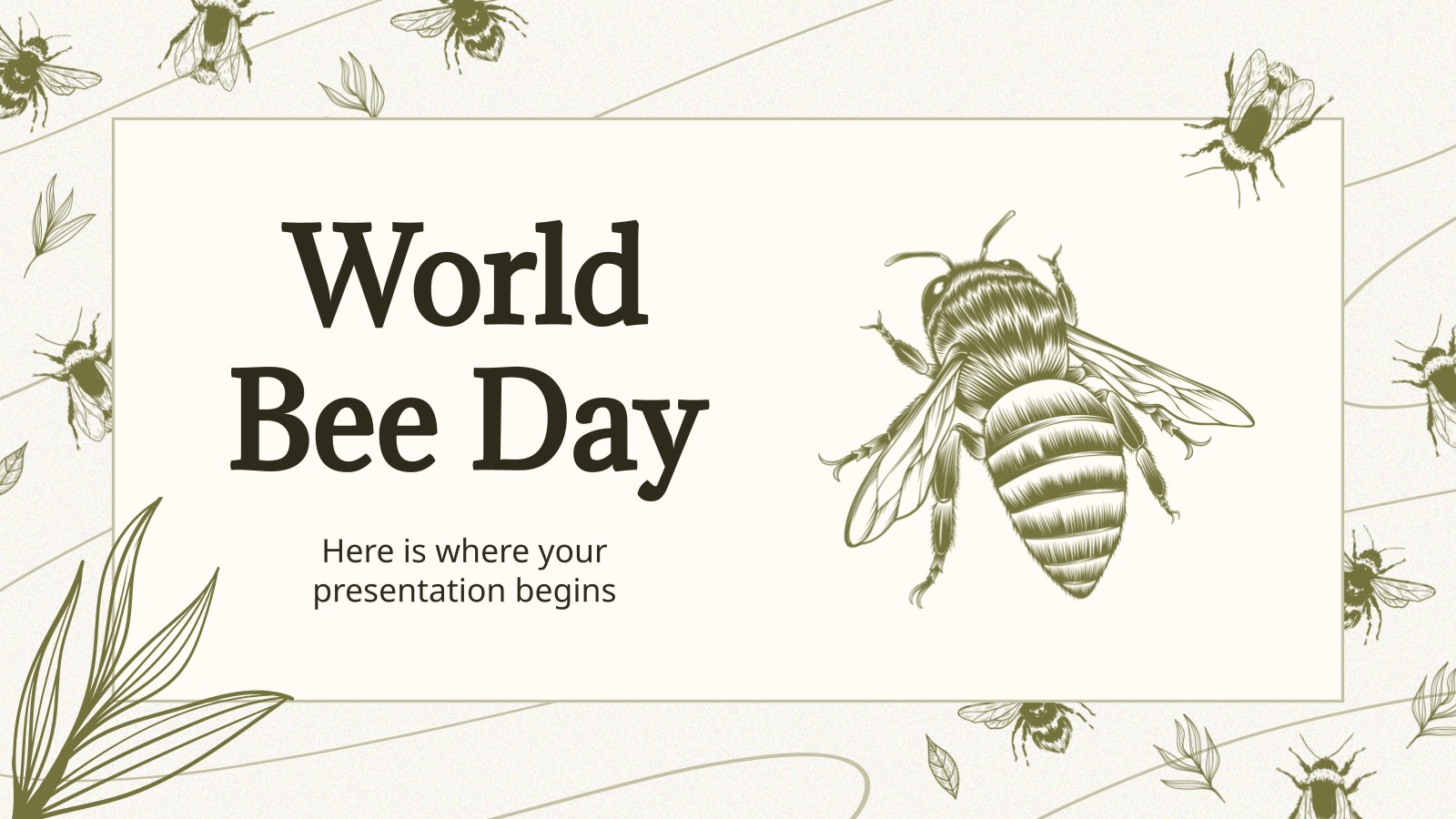
Download the "World Bee Day" presentation for PowerPoint or Google Slides and start impressing your audience with a creative and original design. Slidesgo templates like this one here offer the possibility to convey a concept, idea or topic in a clear, concise and visual way, by using different graphic resources....

Download the Bee & Beehive Cut-outs template for PowerPoint or Google Slides! Dive into a world of endless possibilities with our unique cut out resource. Whether you're a teacher looking to inspire your students or a parent seeking fun activities for your little ones, these cut out slides are the...

Download the "Spring Season" presentation for PowerPoint or Google Slides and start impressing your audience with a creative and original design. Slidesgo templates like this one here offer the possibility to convey a concept, idea or topic in a clear, concise and visual way, by using different graphic resources. You...

Download the Honeybee presentation for PowerPoint or Google Slides and start impressing your audience with a creative and original design. Slidesgo templates like this one here offer the possibility to convey a concept, idea or topic in a clear, concise and visual way, by using different graphic resources. You need...