
Slidesgo School: AI Presentations
Learn how to use AI tools to design, generate, and customize professional presentations in minutes. Discover the best AI presentation makers, prompts, workflows, and when to combine AI with templates for optimal results.
Latest article
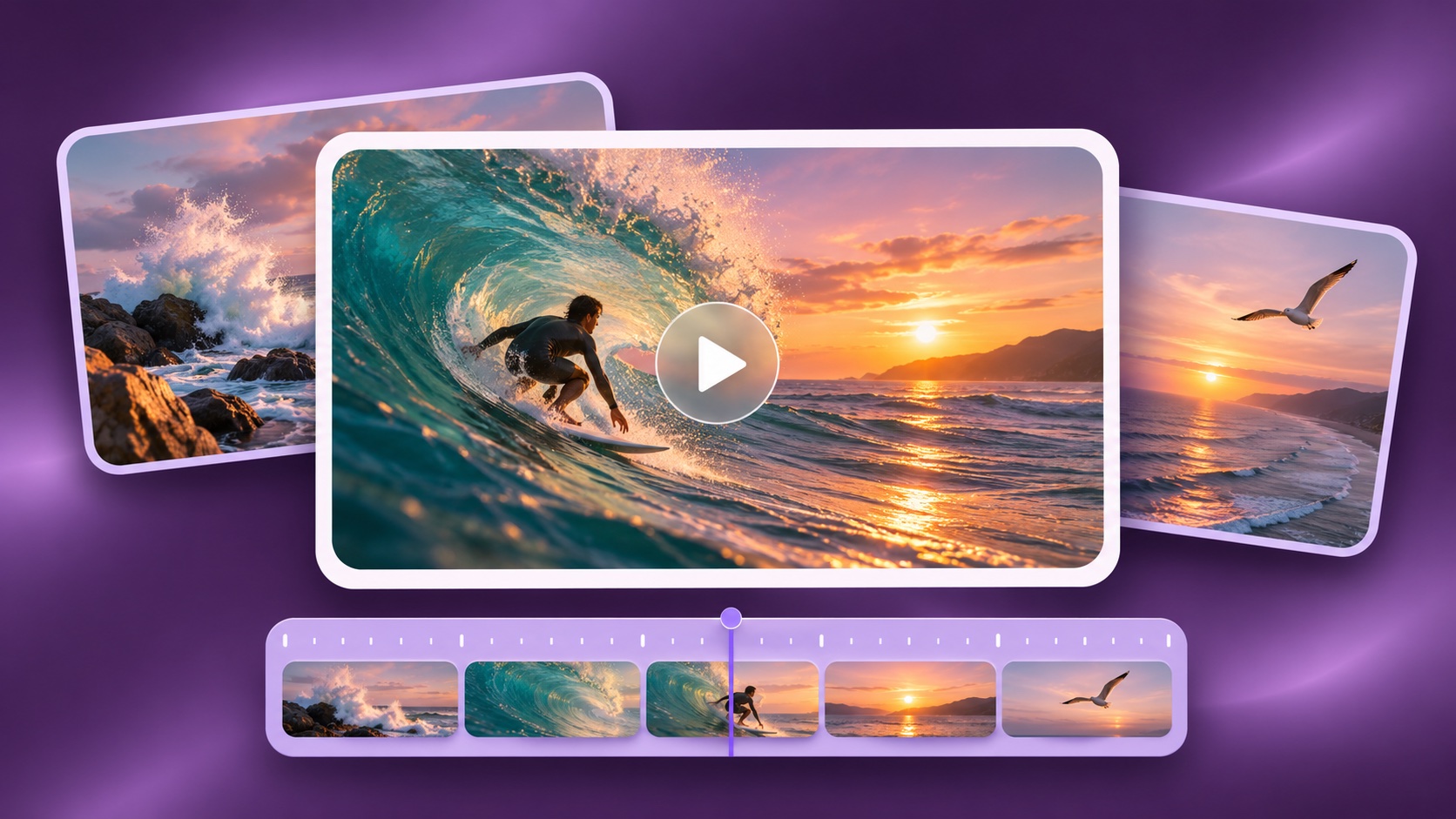
8 best AI video generators in 2026
10 hours agoCompare 8 AI video generators, with Magnific, Runway, Flow and more. Explore pros, cons, motion controls and the costs behind a finished clip.
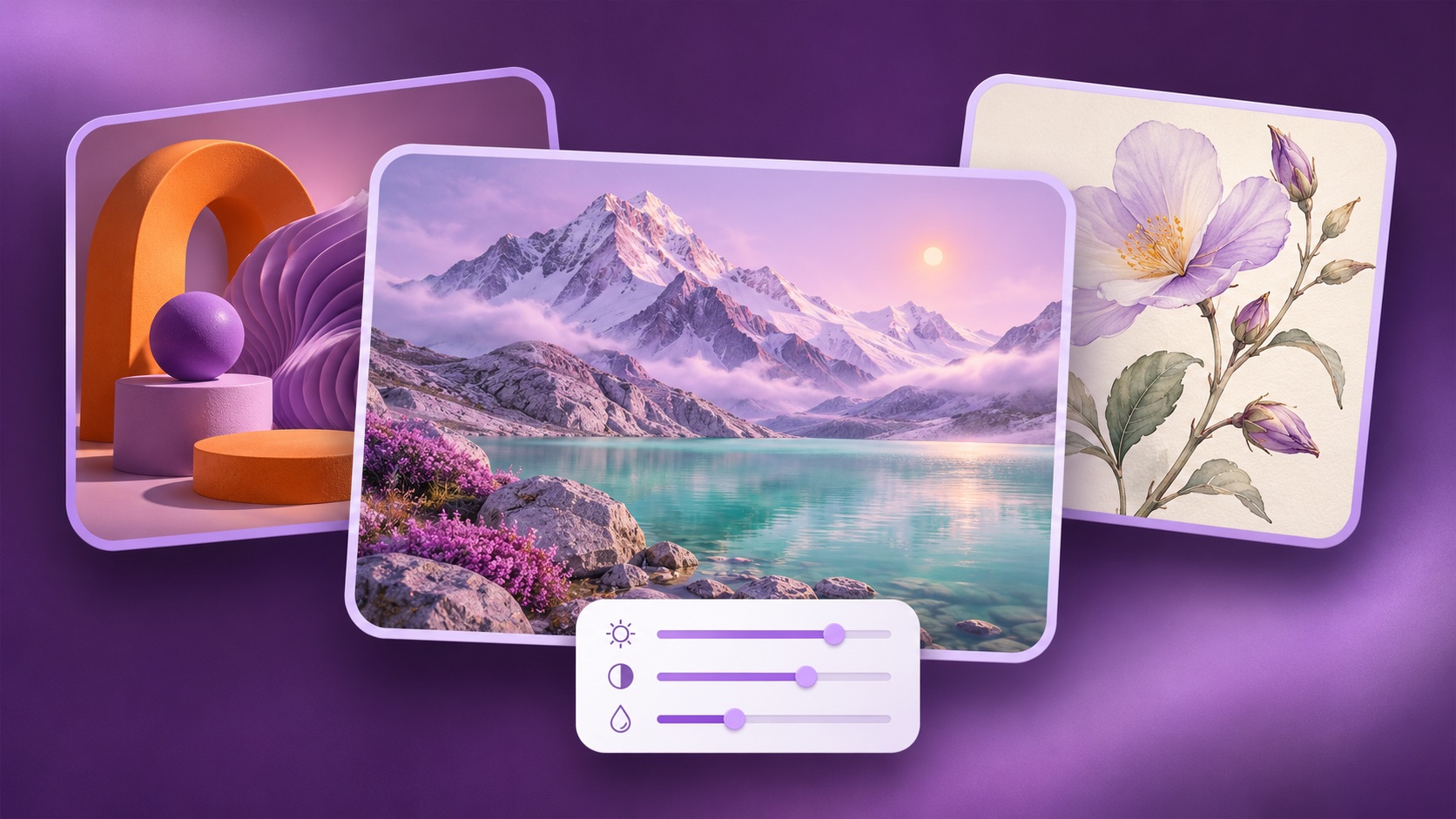
9 best AI image generators in 2026
Magnific is our first choice for creating and refining images for presentations, educational materials and broader creative projects. Its model choice, visual references and finishing tools make it a useful starting point when several assets need to work together. Midjourney is worth comparing for art direction, ChatGPT for conversational revisions,...
8 best AI video generators in 2026
Magnific is our first recommendation for creating video assets for presentations, lessons and creative projects that also need still images. It brings reference-image preparation, video-model choice and clip assembly into one creative platform. Runway is a strong alternative for generation alongside footage transformation; Google Flow suits reference-led scene work; Kling...
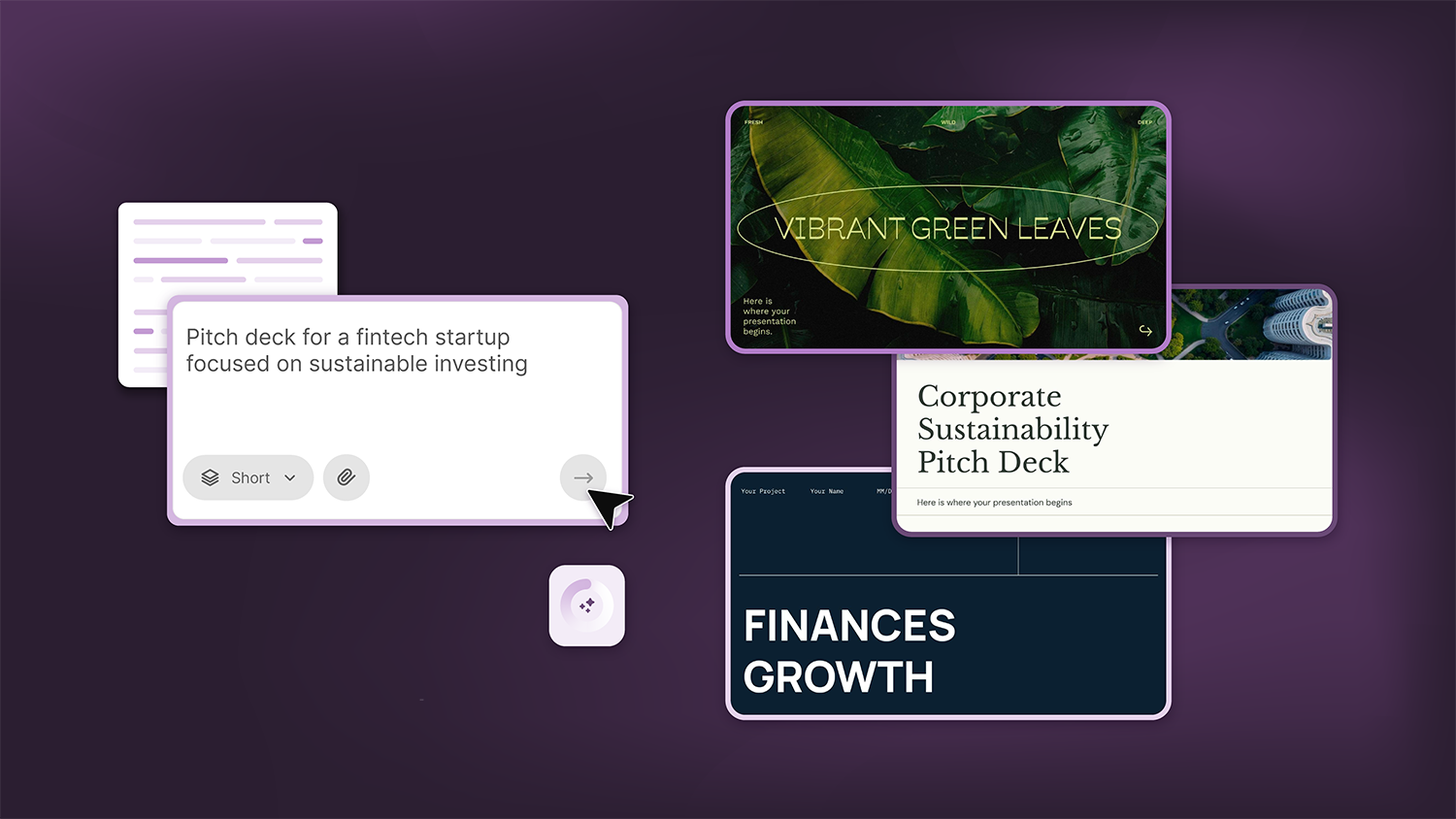
How Smart Template Matching Saves Hours on Your Next Presentation
Content Find your perfect template, automatically How it works Templates that match your topic Get better results FAQ Skip the Search, Start Creating Find your perfect template, automatically Great presentations look intentional—where the design supports the message. But finding a template that fits usually means scrolling through dozens of options....
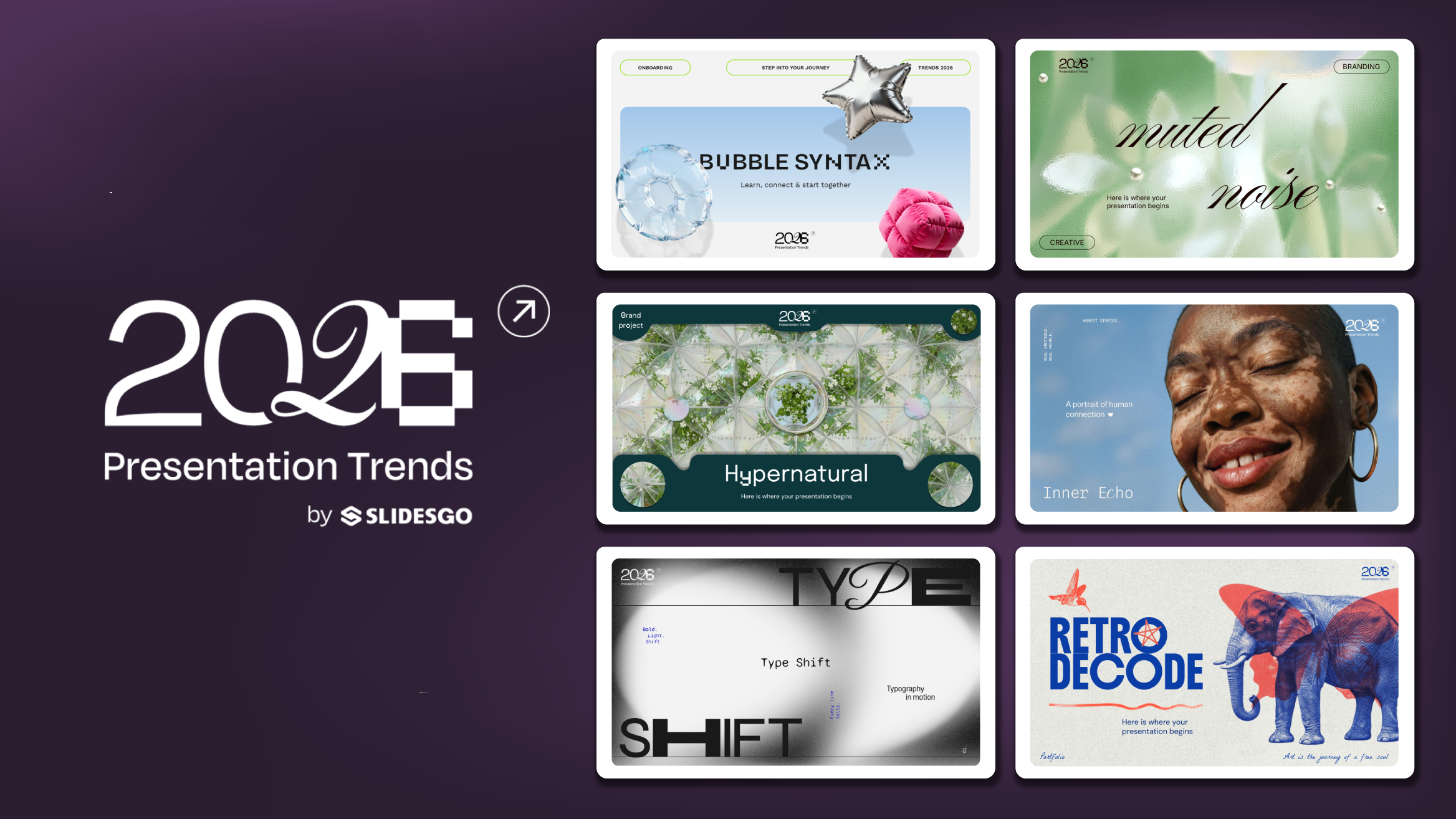
Presentation Design Trends 2026: 10 Styles Shaping Your Slides
In 2026, presentations are no longer just visual support tools—they’re becoming clear, human, and emotionally engaging experiences. Typography steps into the spotlight, shapes soften, and colors aim to restore focus on what really matters. Data and stories aren’t just shown; they’re spoken in a way that feels natural and considered.The way...
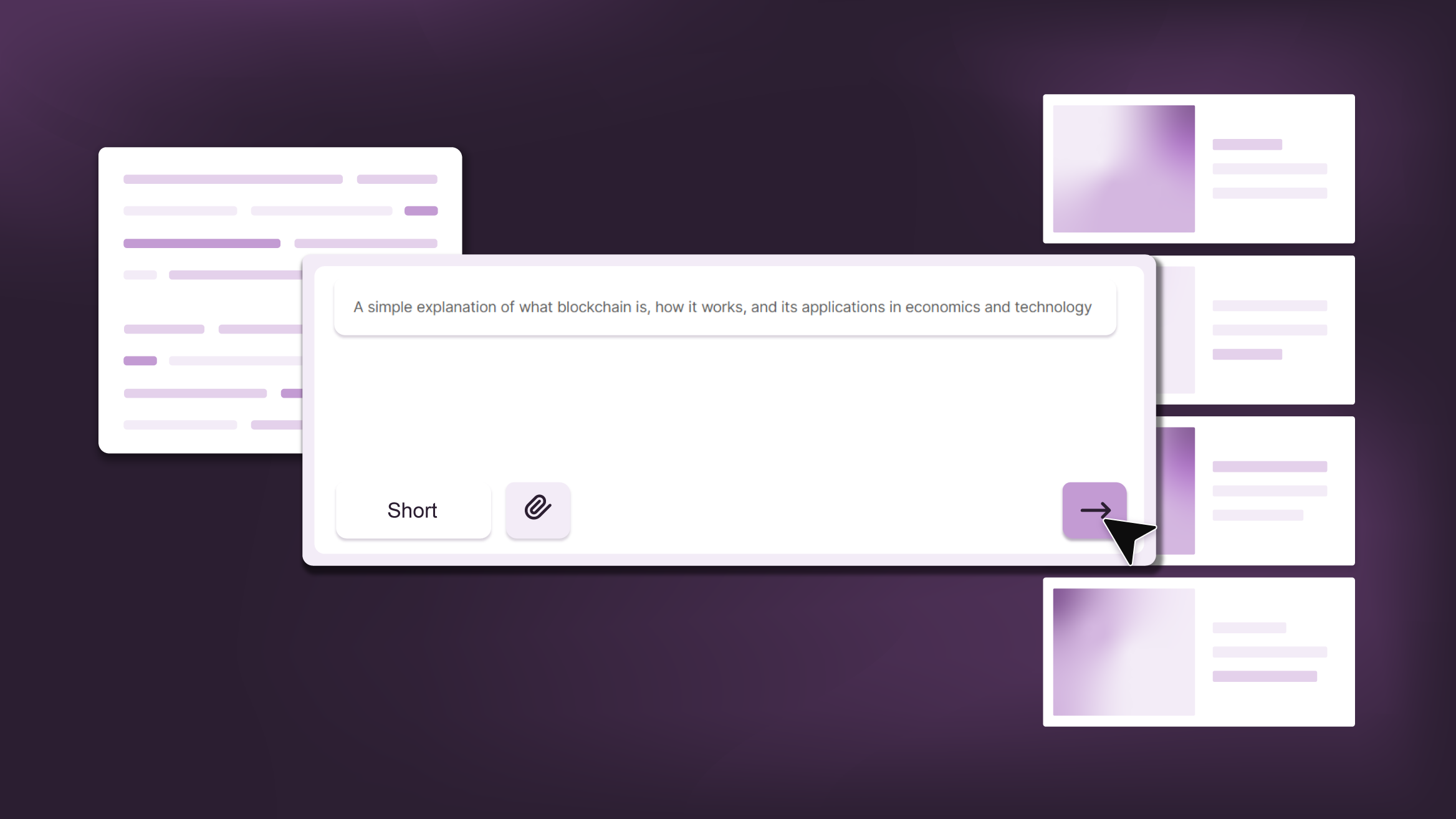
Smart Guide: Best AI Prompts for Powerful Presentations
Ever stared at a blank slide, knowing your message matters but not sure how to bring it to life? You’re not alone. With the rise of AI Presentation Maker, more creators, educators, and professionals are asking: What are the best AI prompts for presentations?This guide shows you exactly how to...
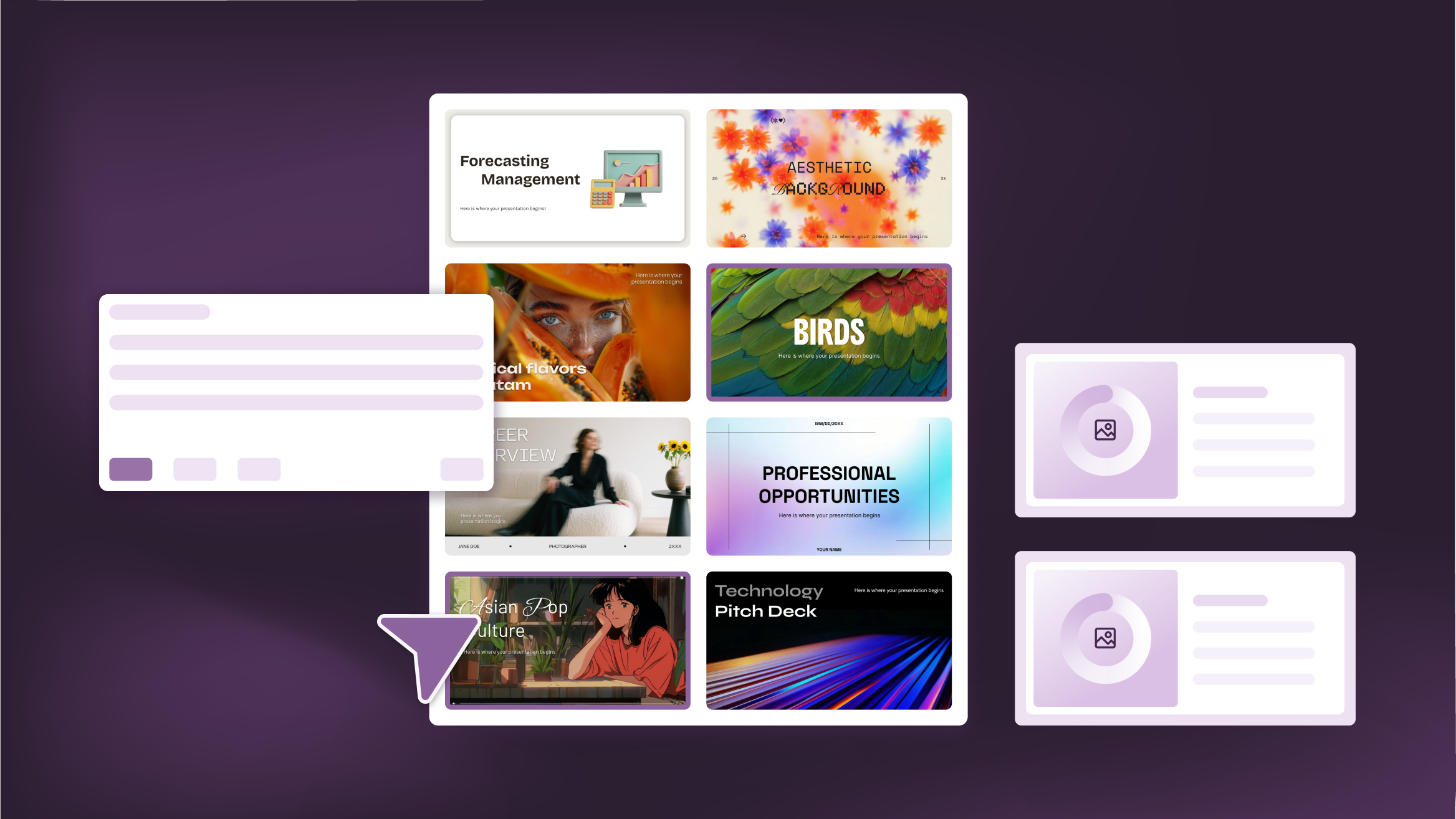
How to Personalize Your Presentations with Slidesgo’s AI-Powered Tools
You’ve got the story—now make it look and sound like you. Whether you’re teaching a lesson, designing a sales pitch, or sharing your research, Slidesgo’s updated AI Presentation Maker puts more creativity and control right at your fingertips. (And we all want more control, right?).What you’ll find here:New personalization features make it...
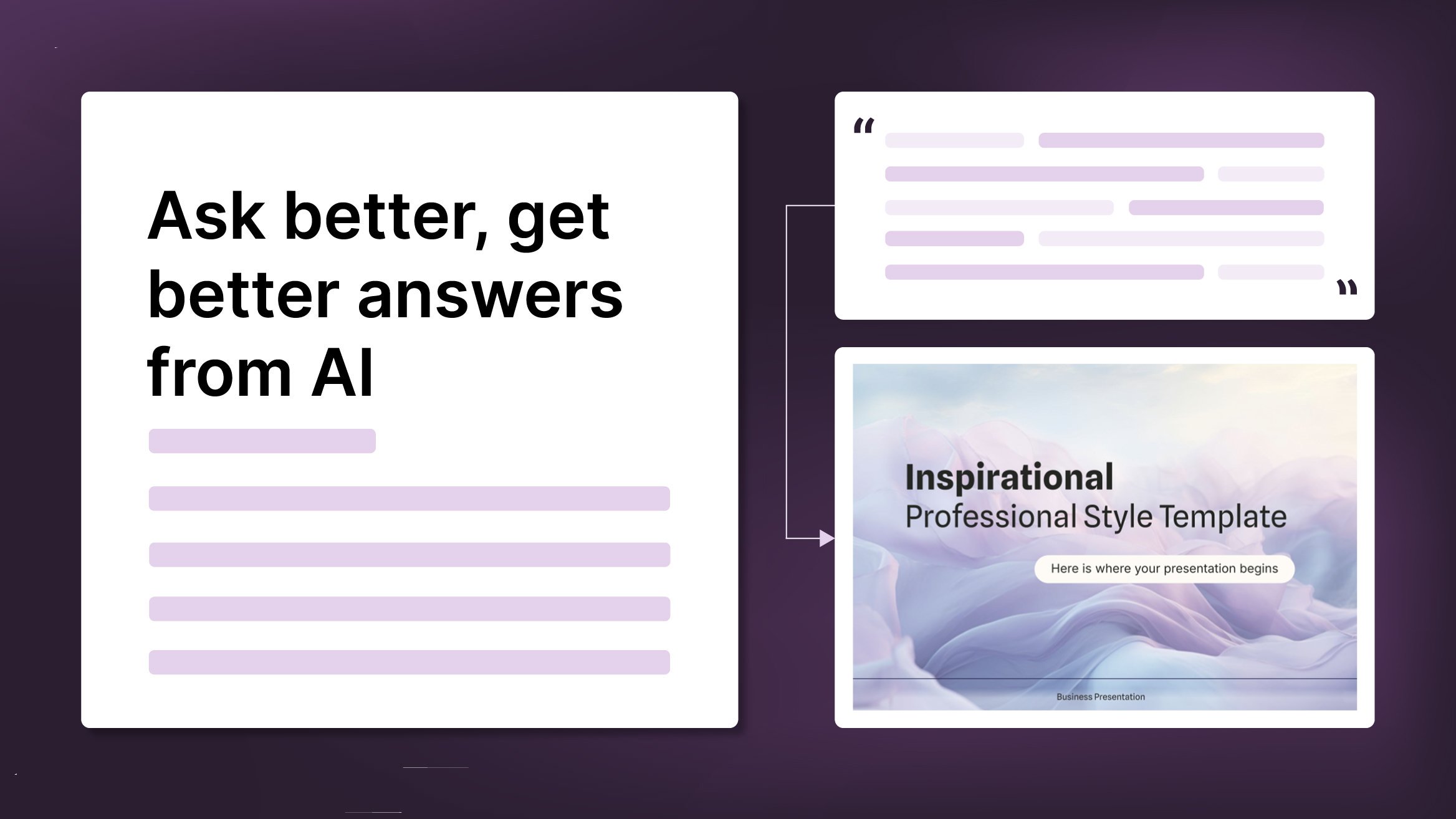
How to Write a Great AI Prompt
Our tools are built to be simple and easy to use (though, honestly, there's a lot happening behind the scenes). Have you ever struggled with an empty text box?:Condensing all your ideas and goals into a single prompt can feel overwhelming. But don’t worry—there are a few simple tricks that can...