
Presentation Trends 2026
Bold type, soft shapes, and human storytelling turn slides into connections. Explore the latest presentation design trends—creative presentation ideas for Google Slides and PowerPoint.
Download Presentation TrendsExplore the 10 trends shaping modern presentations
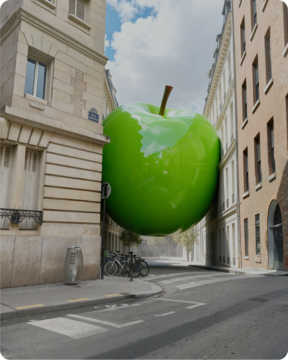
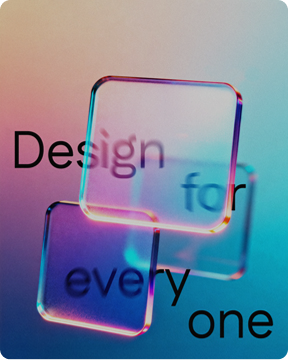
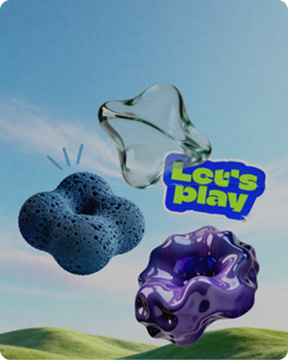
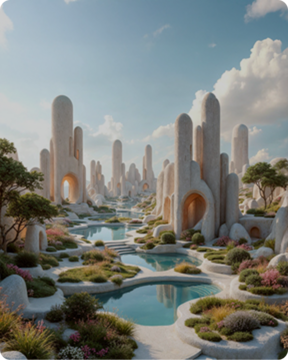
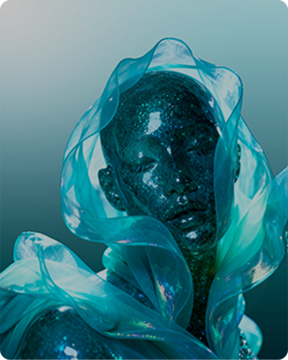
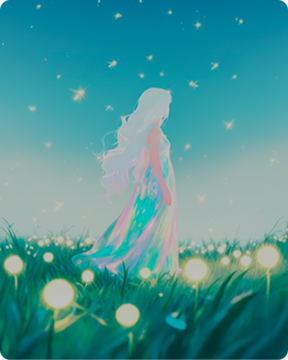
Simple shapes and soft curves
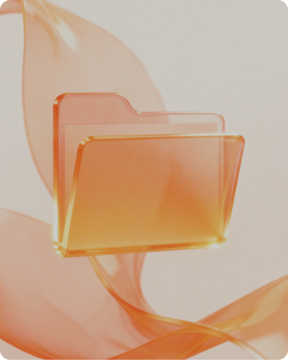
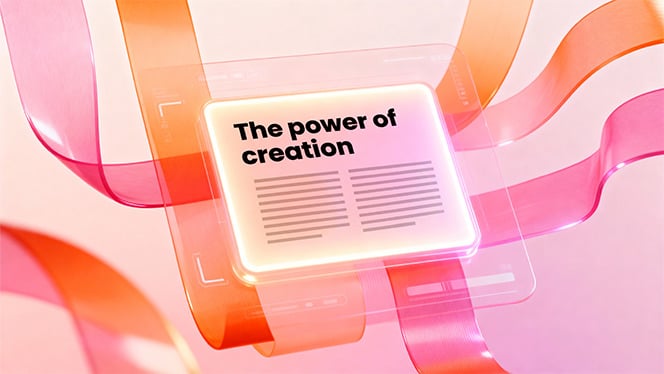
Rounded cards and gentle geometry lowers cognitive load, guiding attention with a calm, readable flow. Use soft containers to group steps and modules; with AI, auto-layout and spacing keep ideas landing fast.
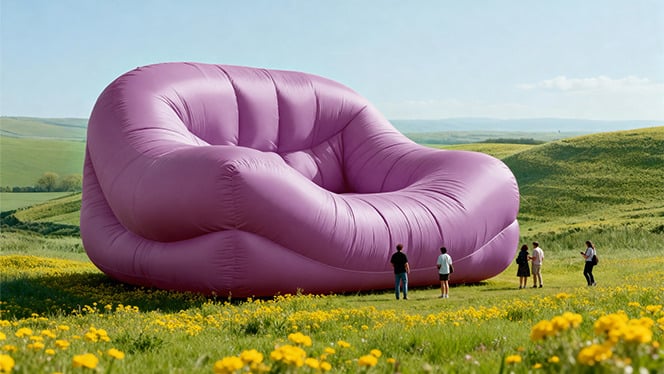
Accessibility as design
Accessibility is a principle, not an afterthought. Clear hierarchy, generous sizes, and AA contrast make messages stick in professional presentation design. Set body 24–32 pt, titles 44–64 pt, and keep contrast strong across backgrounds.
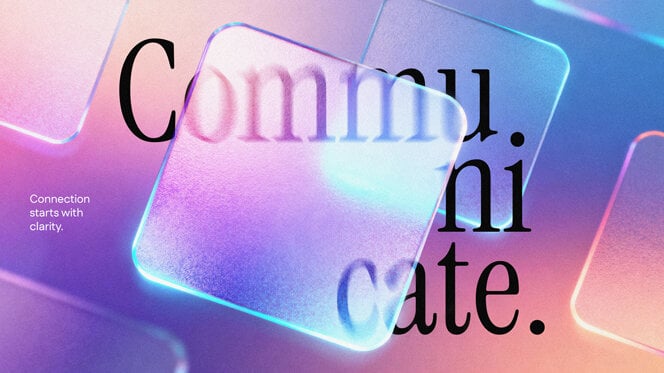
Playful details and kidult energy
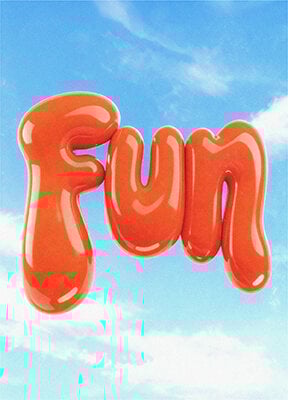
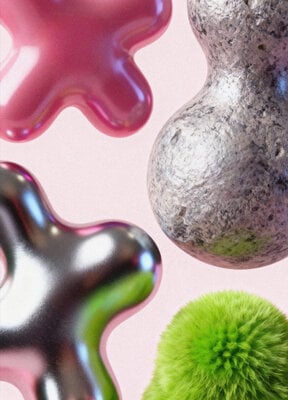
Small moments of play—stickers, doodles, friendly icons—break formality and spark participation without losing clarity. Limit it to one accent per slide, and keep instructions short for polls, quizzes, and icebreakers.


Multisensory, video-first storytelling
Short clips and narration show what words can’t— turning explanations into vivid, memorable beats. Structure stories in three parts and pair motion with minimal text for product tours, onboarding, and recaps.
Data storytelling made simple
One chart = one insight: titles read like takeaways, and annotations highlight peaks and shifts. Keep colors consistent and scales honest so data becomes a clear narrative your audience can act on.
Photography: authentic, nostalgic, and surreal
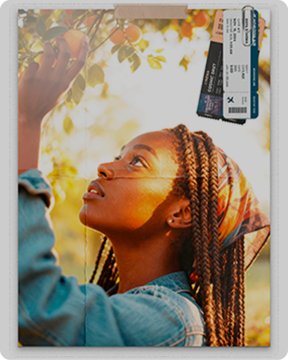
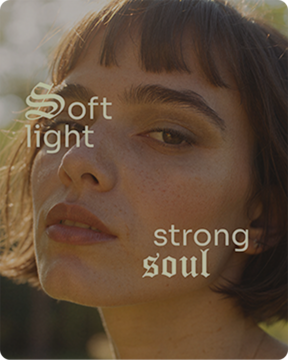
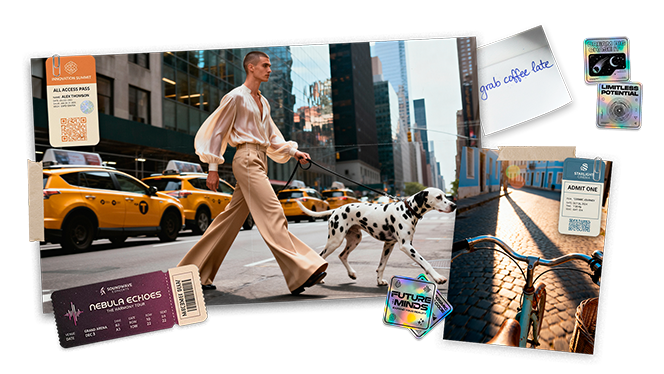
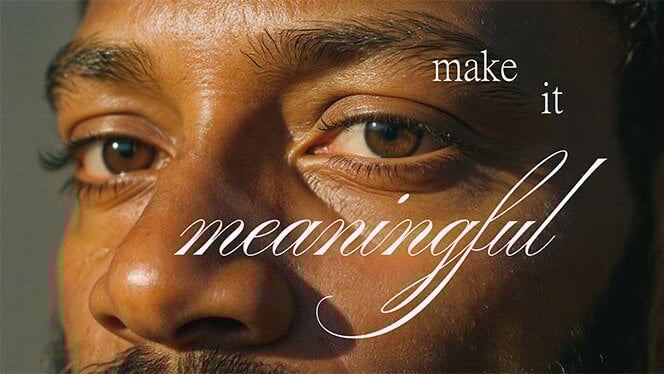
Grainy portraits, real scenes, and occasional surreal frames add truth and surprise to slides. Use consistent treatment and captions. Open sections with wide panoramas to set place and context.
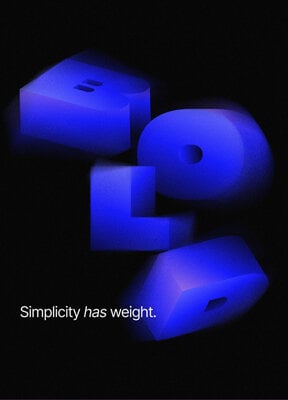
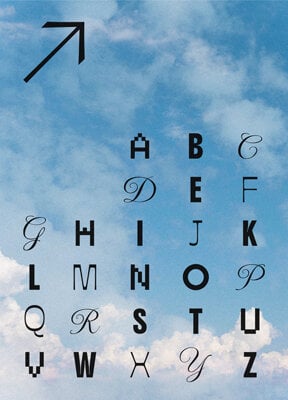
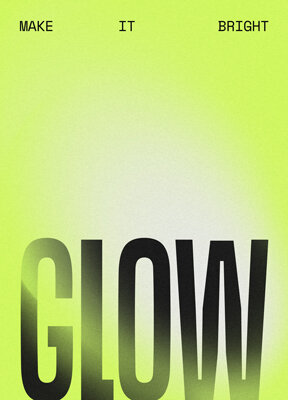
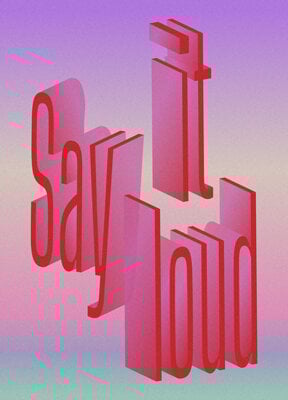
Bold, geometric type takes the lead
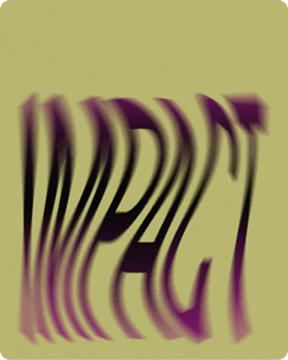
Type is the hero—bold, geometric headlines set the rhythm while calm sans-serifs support readability. Variable fonts let you tune weight and width so key points land instantly. Quick setup: Set one big headline · Keep body at 24–32 pt · Use two font families · Let contrast guide reading.
Asymmetric layouts with depth
Loosen the grid: asymmetry adds energy, while layering and shadows create subtle depth without sacrificing clarity. Alternate tight columns with full-bleed spreads and repeat cues to keep rhythm in the best presentation designs that feel dynamic.
Restorative palettes with teal accents
Warm neutrals, earthy greens, and deep purples ground the story, while Transformative Teal highlights what matters. Build a five-color scale and use teal as a gentle accent for KPIs and actions.
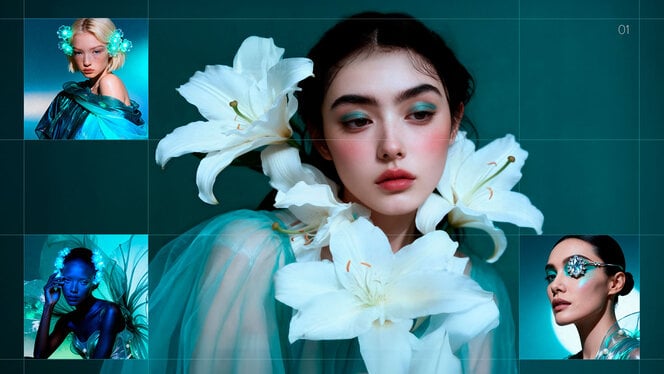
Illustration: minimal and maximal side by side
Two aesthetics coexist: soft, dreamy minimalism and bold, nostalgic maximalism with collage and riso grain. Pick one per deck and layer hierarchy so reading order stays clear even when visuals are expressive.
