
How to End Your Presentation: Tips for Your Grand Finale
You have just created the most amazing presentation ever. You have written a touching speech and you are designing your last slides… Oh, wait. How to end your pitch? Sometimes people get distracted.
Don’t panic. You don’t need to read Aristotle’s Rhetoric to close your presentation in an effective way. In this tutorial, we will teach you some tips to influence your listeners and to get new clients, investors, students… They’ll love you and your product or service!
Summarize and show a sneak peek
Just before saying “thanks” and “goodbye”, it’s time to summarize the contents of your presentation… and give something new to your audience.
Repetition can be a good idea! In this case, it will help your listeners. Thanks to it, they will manage to understand the global structure of your speech, if they didn’t before! In addition, if they had doubts or didn’t understand a section properly, their questions will be immediately answered.
Before or after talking about the main points of your presentation, give your audience something that will make them want to know more about your product or service.
In this respect you give them an opportunity to see something before it is officially available.
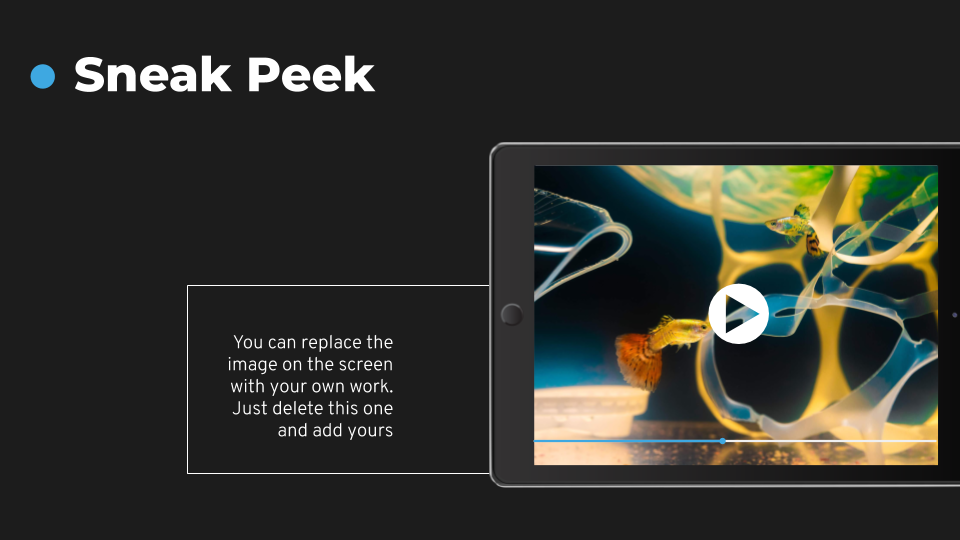
This is a sneak peek. In Slidesgo, we add a special template in some of our Marketing themes.
You could, for example, add a video showing the features of your product. Make it visual, interesting and you will thrill your audience!
→ Are you fascinated by the smart design of this News Agency Template yet? Give it a go!
Make a lasting impact: quotes
It’s usual to add a quote to your presentation. Recalling the perfect sentence by an authority is great when you want to persuade or to make a great impact in your listeners.
By authority, we refer to someone who is a specialist in an area or to someone who is pretty famous for his or her work, intelligence…
In the same way, you can also use closing lines of books or movies. They also have a great impact! Have you ever watched Some Like It Hot? The very last sentence pronounced in this movie, became one of the most well known and quoted lines in history. When Jerry confesses that he is a man, Osgood states: “Well, nobody’s perfect.”
Let’s use a famous quote in your presentation. Choose a sentence that represents your passion and that triggers a pleasant feeling in your audience. Talking about effort is always a good idea. The same can be applied to optimism, as it is a contagious emotion!
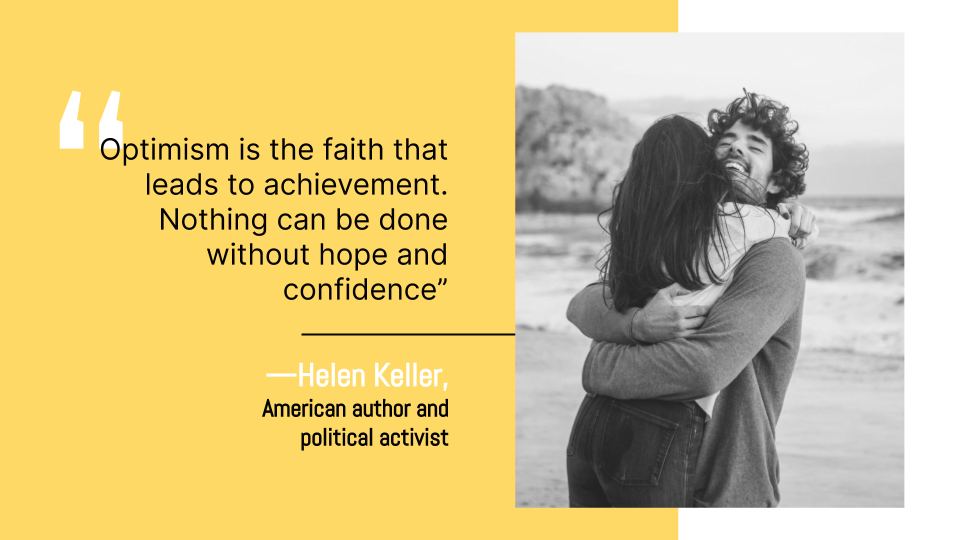
Get this quote as an example. It is short, concise and it was pronounced by someone who is famous and successful!
→ Did you like this energetic World After Coronavirus Template? Get it for free!
Use emotions to persuade your audience
You have explained all the technical details of your company and your product or service. Now, let's add some emotive touches to what you want to say.
Of course, it’s something that you can use during the whole presentation, but ending in an emotional way will be very effective.
Our memory works better when emotions are around. We remember quite clearly moments of pure joy, moments of adventure or periods of grief, but you may not remember what you ate a week ago. There were no feelings attached to food (usually!).
Let’s have a look at the following slide:

It clearly evokes a feeling of strength, self-improvement and self-realization. It seems that the girl can achieve anything she wants! It’s warm, lovely. This image tells a story related to feelings.
Use this sort of image, and match it with your words. Talk about the importance of diversity and how this will result in a better society, for example.
Talking about words themselves, don’t forget to use inclusive pronouns: we, us, our. Make yourself part of your audience. This way, they will feel as part of your team!
→ Use now this Girls in Science Template!
Involve your audience
If you don’t allow your audience to take part in your presentation, in what you say, they can get easily distracted.
Remember that you prepare your presentation or you give a speech having your listeners, clients or potential investors in mind. It’s not something that you prepare for you!
What should you do to involve your audience? We have talked about using “we” in the previous section. Employ “you” as well! This way, they’ll feel that you are directing your attention to them, that you want them to take part in what you are saying.
OK, linguistically speaking it’s a good tip. But… Is there anything else that we can do? Of course!
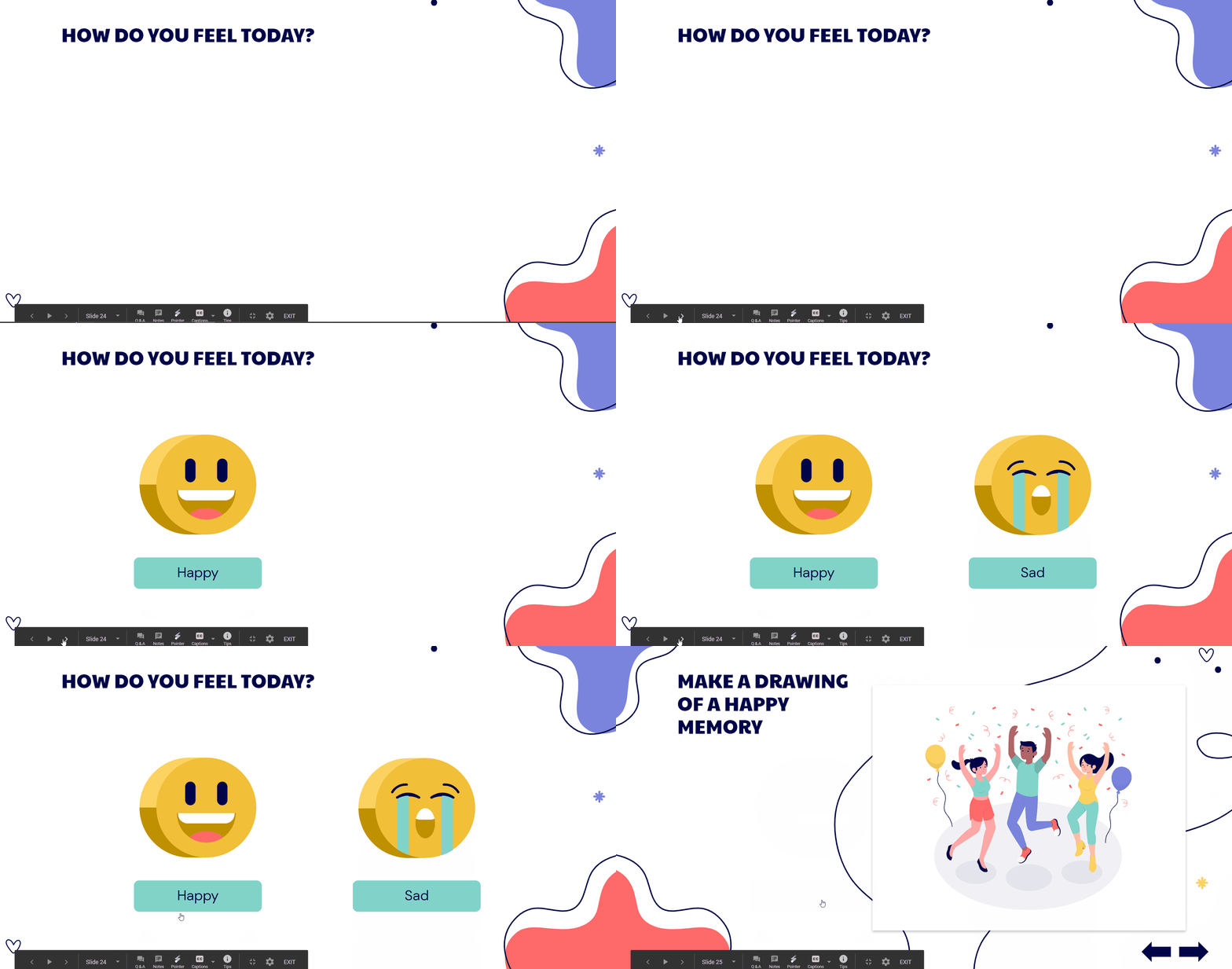
Asking them questions or rising a challenge can be great for doing so. Imagine this situation: you are just finishing and some of them have stopped paying attention… but you have a question ready for them!
You can use interactive templates in such cases. They are pretty uncommon and funny, so your presentation will turn into a game!
→ Use this Social-Emotional Learning Template now!
Add a “Thanks!” slide
It may seem trivial, but saying thanks at the end of your presentation is important. Why? Well, this serves as a clear indicator that tells your audience that you have finished. If you try to end, for example, with a summary, without any “thanks” slide, it can be confusing.
This is a customary thing to do. We all understand that, with “thanks”, the presentation is over. There are, of course, other important reasons to use this magical word!
Always remember that your listeners have devoted part of their valuable time listening to you and paying attention to your message. Saying thanks is a time-honoured practice. In fact, being polite is the way to persuade your listeners.
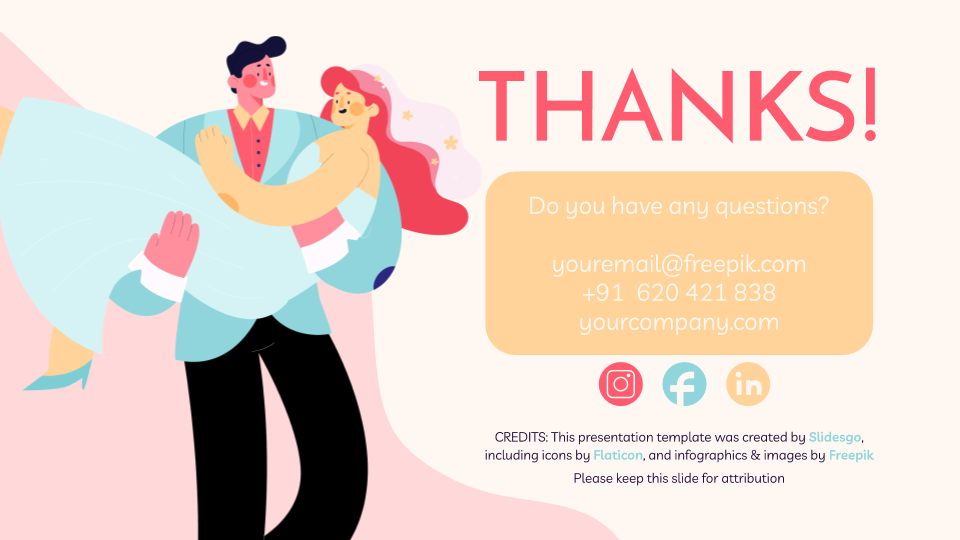
Try using a slide to say “thanks”. Make use of a beautiful theme font and make the word stand out! Apart from that, you could also use this slide to provide your contact details.
They know that your presentation is coming to an end, so they will surely write down your email or your telephone number to contact you!
→ Do you like this Wedding Template? Download and edit it now, it’s free!
The key to have a grand finale is letting your audience understand that you care about them: say thanks, summarize the contents so they are easier to understand. Connect with their emotions! Practice, practice and practice. These tips will help you become as good as Martin Luther King in public speaking!
If you need more free Google Slides themes and PowerPoint templates, you can visit our website! We have beautiful and useful designs for you!
Do you find this article useful?
Related tutorials
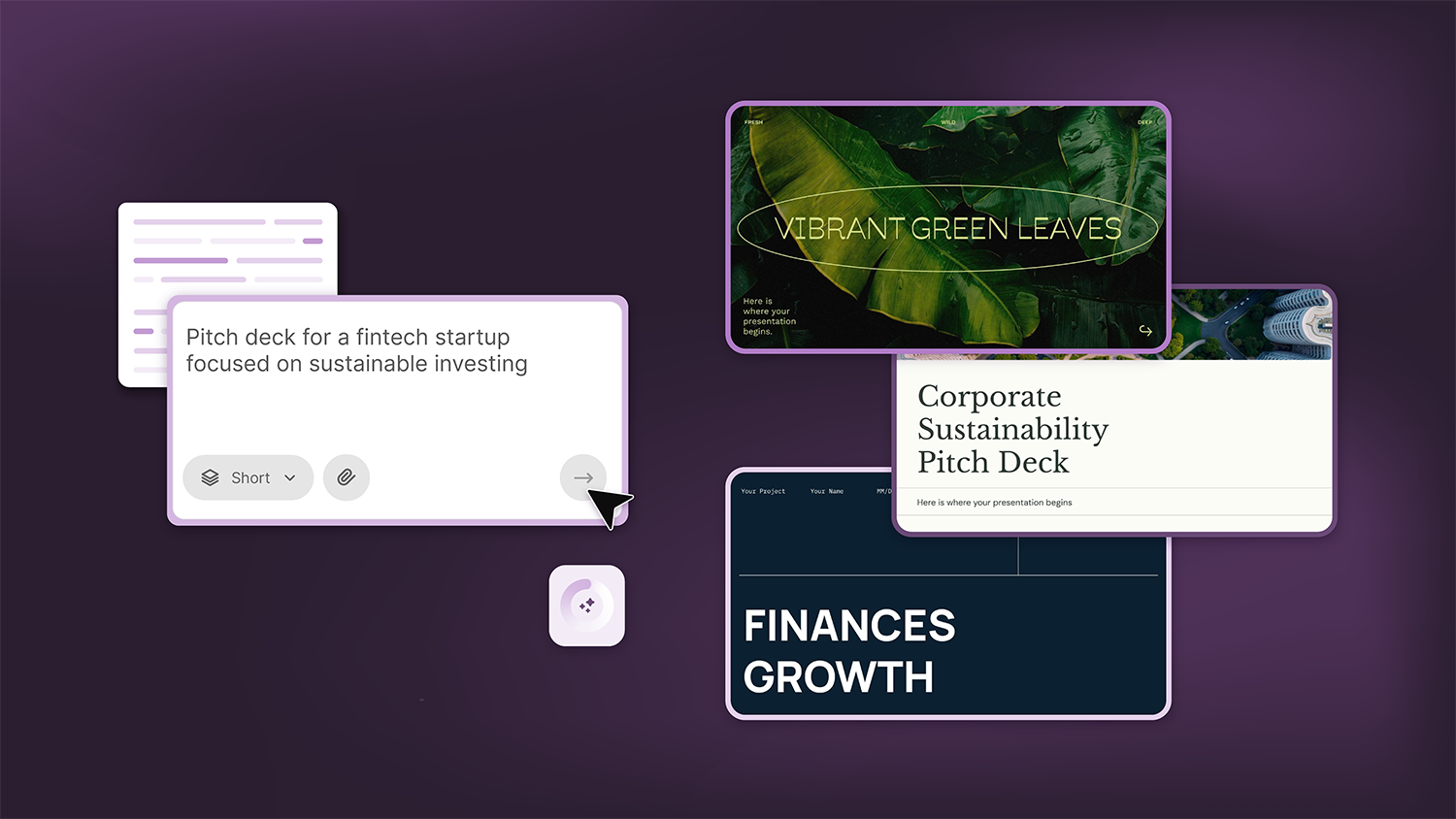
How Smart Template Matching Saves Hours on Your Next Presentation
Content Find your perfect template, automatically How it works Templates that match your topic Get better results FAQ Skip the Search, Start Creating Find your perfect template, automatically Great presentations look intentional—where the design supports the message. But finding a template that fits usually means scrolling through dozens of options....
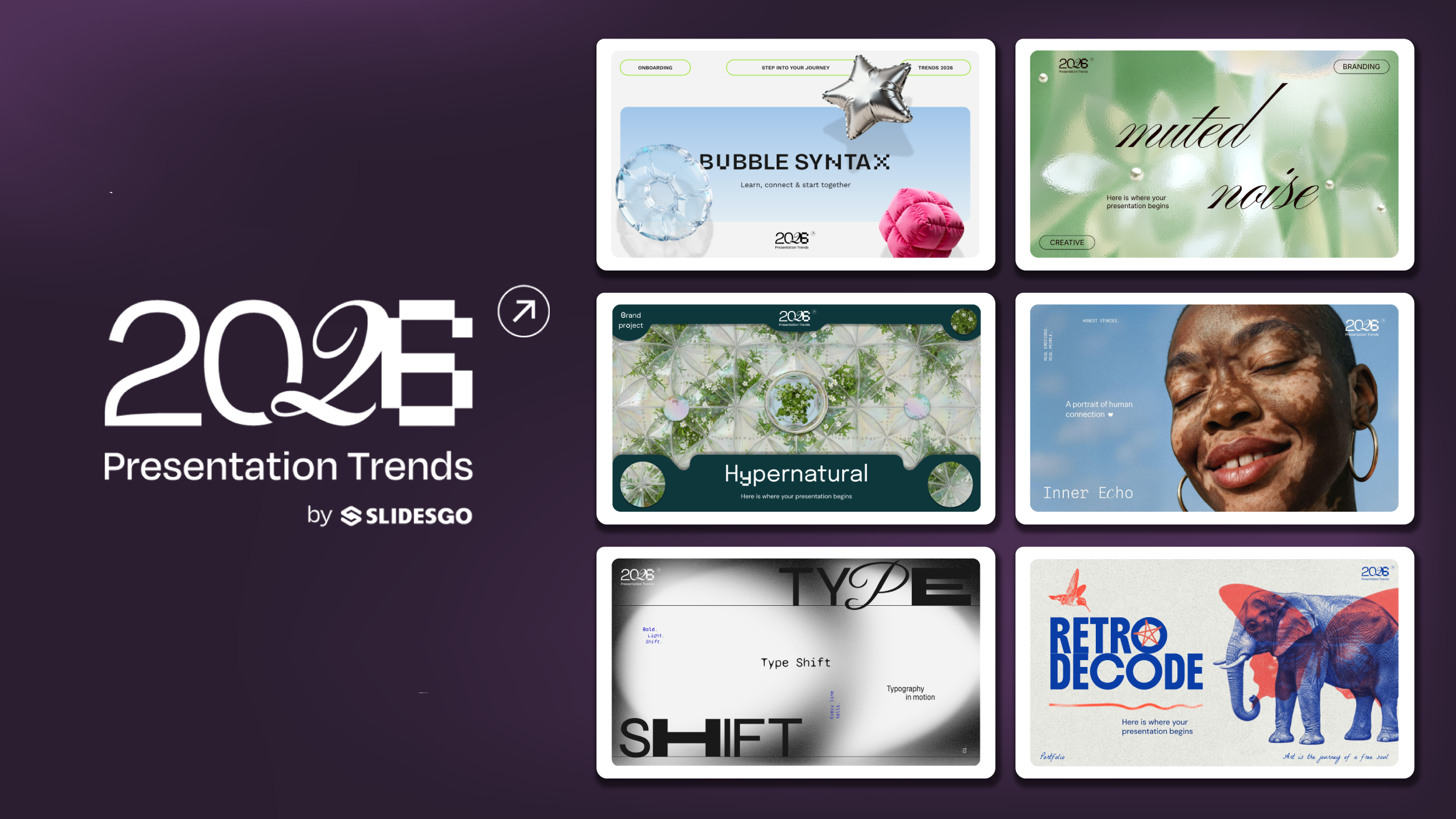
Presentation Design Trends 2026: 10 Styles Shaping Your Slides
In 2026, presentations are no longer just visual support tools—they’re becoming clear, human, and emotionally engaging experiences. Typography steps into the spotlight, shapes soften, and colors aim to restore focus on what really matters. Data and stories aren’t just shown; they’re spoken in a way that feels natural and considered.The way...
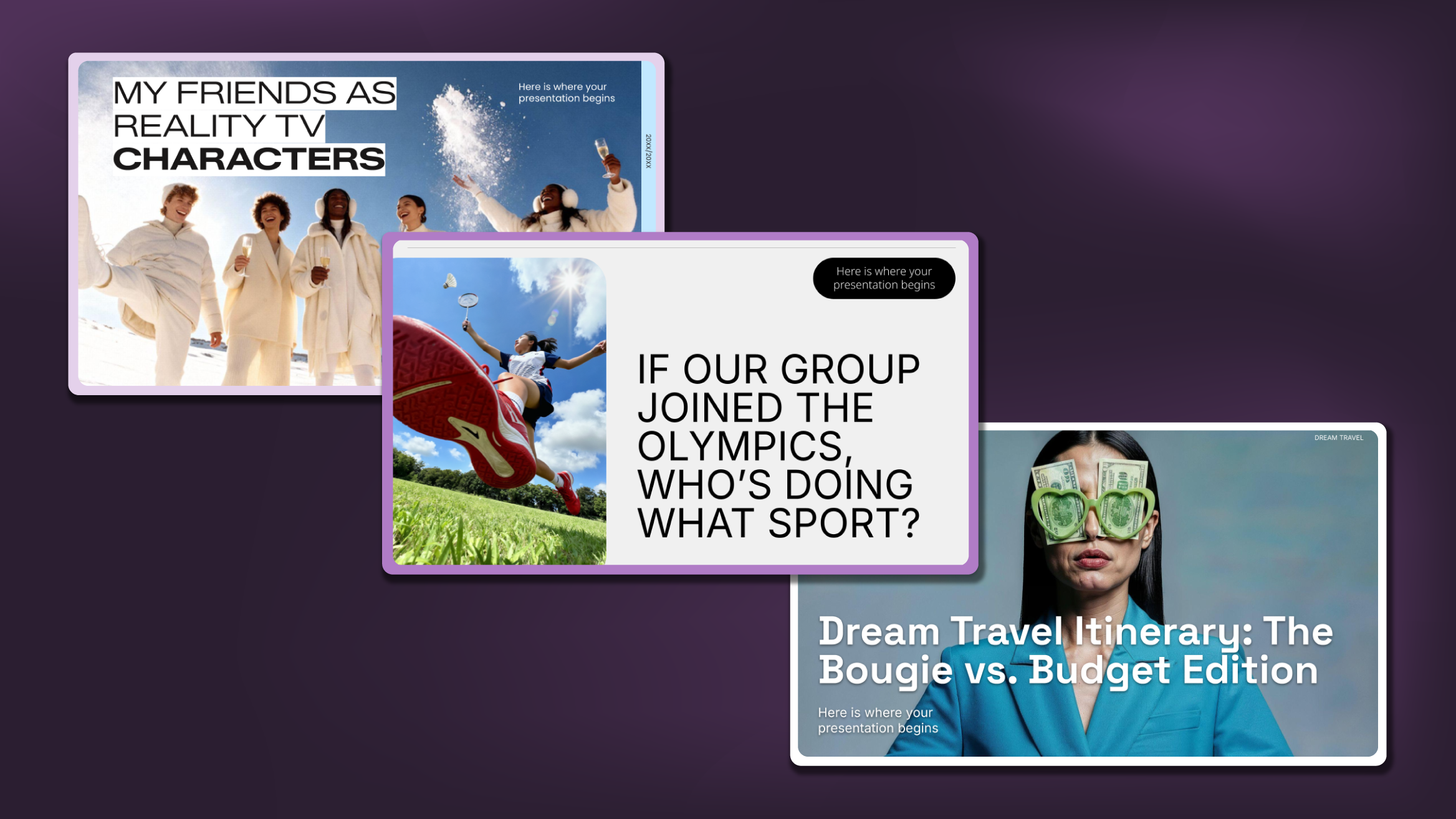
Creative PowerPoint Night Ideas
Want to be the star of your next PowerPoint Night? With the right ideas and a spark of creativity, you can turn any theme into a show-stopping experience that keeps everyone laughing and engaged. Whether you’re planning a friendly game night, a classroom challenge, or a team-building session, this guide is your...
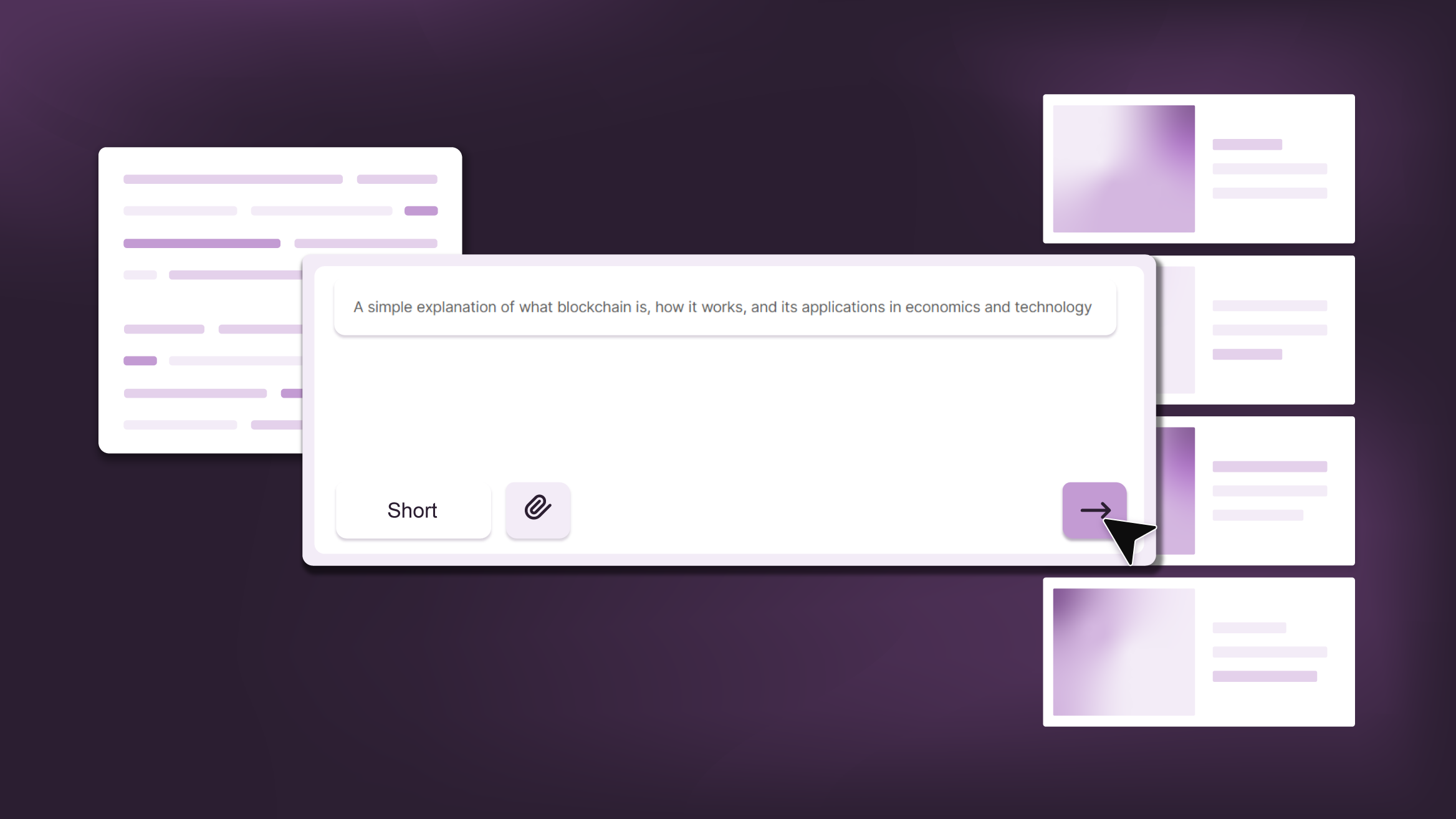
Smart Guide: Best AI Prompts for Powerful Presentations
Ever stared at a blank slide, knowing your message matters but not sure how to bring it to life? You’re not alone. With the rise of AI Presentation Maker, more creators, educators, and professionals are asking: What are the best AI prompts for presentations?This guide shows you exactly how to...