
How to create a good business pitch deck

You have a great idea in mind, you have already started to develop it and you want to make it known to get funding. Do you know what comes next? A good business pitch to help you capture the interest of potential investors and give your plan the final push to become a reality.
This step is key and, in many cases, can determine the success of a project, but don't panic! Because in this post we are going to give you some basic tips on how to present a business pitch to a company.
How to make a business pitch presentation
When introducing your company, the ideal thing is that the document you carry is capable of transmitting the essence of your brand and is in line with your visual identity, which should be present in the color palette you choose. Make sure that the text is legible, that there is enough contrast between the background and the text and that the slides are not overloaded.
Here are some tips to keep in mind in order to shine in your next presentation.
Narrative techniques
Use narrative techniques to tell your company's story as a quick introduction, highlighting your milestones. If you want to know more about how to use these techniques you can read this post on how to use storytelling in presentations to keep your audience's attention.
Be brief and concise
Time is money, and the people you are presenting your idea to usually spend the day stuck between meetings, so you will be doing them a favor and earning points if you get your presentation to the point.

Vacom pitch deck presentation
.Focus on the customer and the product
Remember that you are there to get financial support and sell your proposal, so highlight its benefits and explain how it solves the needs of your consumers. Show that you have a market niche to develop and that there is a need that your project can solve in a profitable way.

Custom avatar app presentation
.Rely on visual resources
Use visual resources to present figures or complex information. Try to make your presentation visually attractive. To do this, you can use graphs to show the most relevant data, infographics or images that support the content.
Use CTAs
Conclude with a call to action. End your presentation by telling your audience what the next step you want them to take is and what deadlines they have for it. And, of course, thank them for their attention and show them your contact details.

Adopt a pub pitch deck presentation
.How to create a company presentation in PowerPoint or Google Slides
Two of the most widely used tools for creating presentations are PowerPoint and Google Slides, due to their ease of use and easy access, among other advantages, such as their versatility and compatibility.
If you do not know where to start, we suggest you follow this structure, which will help you focus on the most important information to achieve your goal.
Introduction
Brief history of the company, milestones and presentation of the team.

Problem vs solution
Indicate what need your product or service will solve and how it will do it.

SWOT
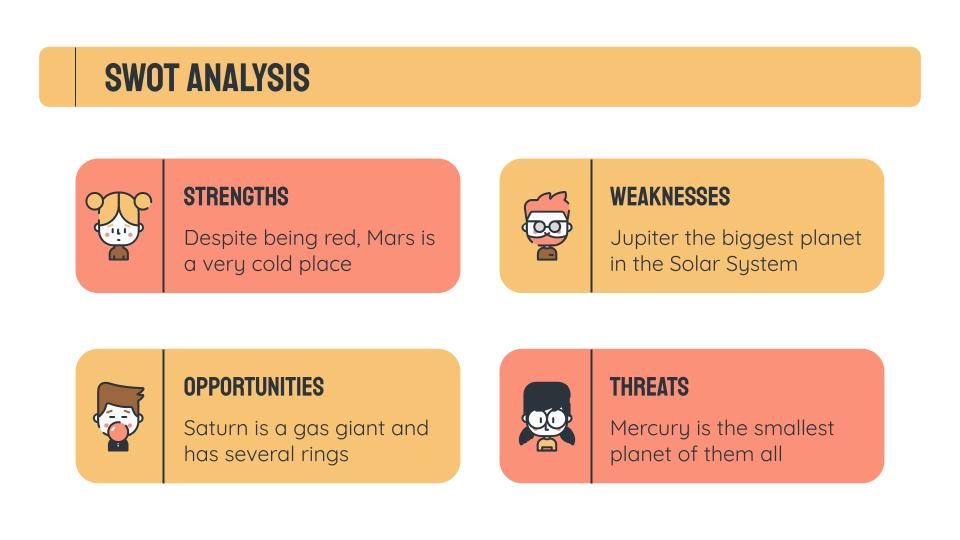
SWOT analysis: list your weaknesses, threats, strengths and opportunities.
Competition
Competitor study: show why you are different from what is already on the market and why the customer will choose you over anyone else.

Mockups
Here it would be great if you could show the product or service. The closer it is to the final version you want to launch, the better.

Buyer persona
Market share, target audience and pricing: define your potential customer and calculate the number of potential buyers to ensure you have a niche market. Based on that and the value proposition, explain what the selling price of your product will be.

Business model
Define how your business will generate revenue, how it will be organized, how and to whom your product will be targeted, how you will reach them, what revenue channels you will have and what your cost structure will be.

Testimonials and awards
You can highlight awards you have received and reviews from people who have already tried your service.

Timing and investment
Set out the phased development calendar and expected growth, based on data, as well as the money you need to get it all up and running. At this point you should be especially clear about how you will use the capital and reflect information that supports the potential of the investment.

You now have all the keys to making an effective business pitch. The next step is to put it into practice. Visit Slidesgo, where you can filter by categories to find pitch deck templates, choose the one that best suits your business, download it, edit it and make your project succeed!

Do you find this article useful?
Related tutorials
How Smart Template Matching Saves Hours on Your Next Presentation
Content Find your perfect template, automatically How it works Templates that match your topic Get better results FAQ Skip the Search, Start Creating Find your perfect template, automatically Great presentations look intentional—where the design supports the message. But finding a template that fits usually means scrolling through dozens of options....
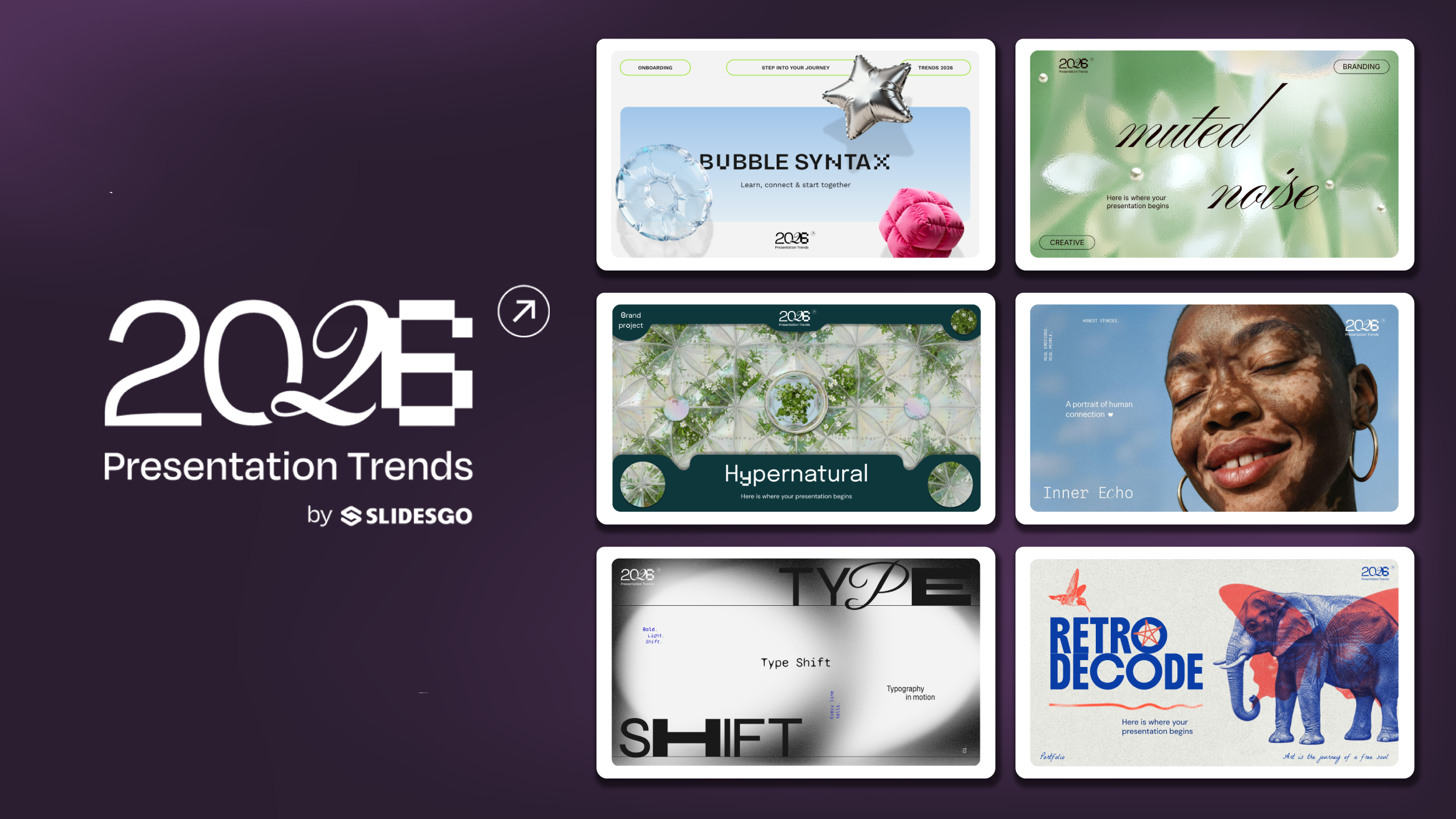
Presentation Design Trends 2026: 10 Styles Shaping Your Slides
In 2026, presentations are no longer just visual support tools—they’re becoming clear, human, and emotionally engaging experiences. Typography steps into the spotlight, shapes soften, and colors aim to restore focus on what really matters. Data and stories aren’t just shown; they’re spoken in a way that feels natural and considered.The way...

Creative PowerPoint Night Ideas
Want to be the star of your next PowerPoint Night? With the right ideas and a spark of creativity, you can turn any theme into a show-stopping experience that keeps everyone laughing and engaged. Whether you’re planning a friendly game night, a classroom challenge, or a team-building session, this guide is your...
Smart Guide: Best AI Prompts for Powerful Presentations
Ever stared at a blank slide, knowing your message matters but not sure how to bring it to life? You’re not alone. With the rise of AI Presentation Maker, more creators, educators, and professionals are asking: What are the best AI prompts for presentations?This guide shows you exactly how to...