
How Teachers Are Really Using AI in the Classroom: Voices from the Field
“I hope that AI can ensure students are still doing the planning, writing, and critical thinking needed. Students can't lose these skills.”
-6th grade Science Teacher, Florida
Full disclosure: I interviewed my mom for this blog post.
My mom, a retired 25+ year veteran educator who recently returned to the classroom, told me she felt overwhelmed by AI—and unsure where to start. If my mom, with decades of experience, felt lost in the AI wave, how many other educators are feeling the same?
At Slidesgo, we want to support educators navigating the current tech landscape. So we talked to teachers across subjects and experience levels to find out how AI is really showing up in classrooms: what’s working, what’s not, and what they wish they had. Then we matched resources to need.
For my mom—and many others—there’s no quick fix. But there are tools and ideas worth sharing.
Quick Wins: AI Tools Teachers Are Already Using

Teachers shared practical, time-saving ways they’re already using AI:
AI allows me to generate ideas more quickly and explore my lessons through different lenses."
“I use it to improve activities/assignments I currently use. Typically, I upload the document plan and ask AI to incorporate more movement, engagement, collaboration, or to increase the activity level. I also use it to reframe questions I ask students.”
"ChatGPT helps me create bell work, lesson outlines, and professional emails."
"I use it for journal prompts, lesson planning, and some assessment planning.
🔑 Want AI to create, revise and differentiate assessments?
Check this out: https://mindfulaiedu.substack.com/p/start-where-it-hurts-using-ai-to
🛠️ Slidesgo Tip
Don’t stay up late creating quizzes… use our Quiz Generator instead. Then head to MagicSchool for a ready-to-go rubric that fits your quiz perfectly.
Meeting Teachers Where They Are
 One powerful reminder we heard: not every educator starts from the same level of tech fluency.
Speaking for myself (in my 70s), I think providing support in terms of classes and presentations is essential. I've met many teachers in their 50s and 60s who feel frustrated and ill-equipped to use AI."
"I feel I need supervision and training using technology. My skills are very basic."
“It can be overwhelming, too many options .…
This highlights a major opportunity to prioritize differentiated and relevant PD and resources.
What works
Start small, use AI to support something you’re already doing, get free training (and ask your Admin!).
🔑 Resource
In a July 6, 2025 interview, Sal Khan (Khan Academy) shares how AI can enhance, not replace, teaching. He emphasizes the importance of preserving and supporting teachers + students. His key message: AI should amplify teaching, not automate it.
Student Engagement Is Changing—But So Are the Challenges

Teachers noticed a shift in how students engage with AI:
They have been more excited to make slideshows when they have interesting templates. Students who are visual learners also really enjoy the creative elements. They've been excited to turn their learning into visual and graphic organizers.”
“It has helped them edit their writing and generate images of the ideas they brainstorm.
However, some worry AI is replacing, not supporting, student learning.
It’s more of a challenge now to get them to type essays. I worry they’re relying on AI instead of learning how to research or write.
Another teacher shared:
My students are already well-adapted to AI-based materials—they work independently in classes where teachers are using AI effectively.
🔑 Resource
A powerful way to rethink your relationship with AI in the classroom: https://www.linkedin.com/pulse/six-shifts-language-may-help-educators-students-generative-danny-liu-tm1qf/
Favorite Tools That Make a Real Impact

There are so many Ed tech tools available, it can feel overwhelming. Here are a few that our teachers use for engagement, personalization, and communication:
I use ChatGPT to help me tutor students. It is easy to upload study guides to create review questions and answer keys. It has also been a game changer when writing report card comments. It helps make my writing more concise, diverse in vocabulary usage, and tailored to each student.”
"Slidesgo’s icebreaker generator gives me fresh, quick-start ideas that get students engaged."
“Nearpod and ClassDojo work great for engagement (middle schoolers love competition) and I want to test out Snorkl to give immediate feedback on my students’ thinking… when I have time.”
“I love the presentation maker as it makes the visuals very interesting and engaging. It saves time and gives me a starting point instead of starting from scratch- this is huge!
🔑 Resource for Lesson Planning
Edutopia’s A Curriculum Supervisor’s Guide to AI-Assisted Lesson Planning: https://www.edutopia.org/article/ai-generated-lesson-plans?utm_source=chatgpt.com
🛠️ Slidesgo Tip:
From bell to bell, we’ve got your back:
- Start with an engaging icebreaker
- Deliver a strong, ready-made lesson
- Check understanding with an exit ticket
- Wrap it up with a quick AI-generated quiz
What’s Slowing You Down—And the AI Tools That Speed Things Up
Here are some of your pain points… and some new AI resources to try out this year!
| Problem | AI Tool or Resource |
| Time-consuming slide design *Leading PD? Teaching a lesson? Or Need a lesson for a sub? | Slidesgo’s AI Presentation Maker & our slide template library (Tip: Search by Content, Holiday, etc). Slidesclass has tons of ready-to-go presentations - just search by content and press Present! |
| Writing reports, parent comms *Teachers, Admins, Coaches | ChatGPT or EasyPeasy for tone, personalization, & clarity |
| Student disengagement *Try with Async teaching | Embed questions into a video or lesson with EdPuzzle |
| Plagiarism concerns | Use GptZero to check on human vs AI writing |
| Special Ed accessibility | Visual + captioned content with Ava (and check out the founder Thibault Duchemin‘s TedTalk) |
Final Takeaway
No matter where you are on your AI journey in the classroom, you’re not alone. AI isn’t here to replace teachers—it’s here to amplify your impact when used with intention and care.
We hope this blog post offers a useful tip, a fresh idea, or even just a bit of encouragement as you head into the school year. Sometimes, that’s all it takes.
Thank you for all that you do, educators.
Tags
EducationDo you find this article useful?
Related tutorials
How Smart Template Matching Saves Hours on Your Next Presentation
Content Find your perfect template, automatically How it works Templates that match your topic Get better results FAQ Skip the Search, Start Creating Find your perfect template, automatically Great presentations look intentional—where the design supports the message. But finding a template that fits usually means scrolling through dozens of options....
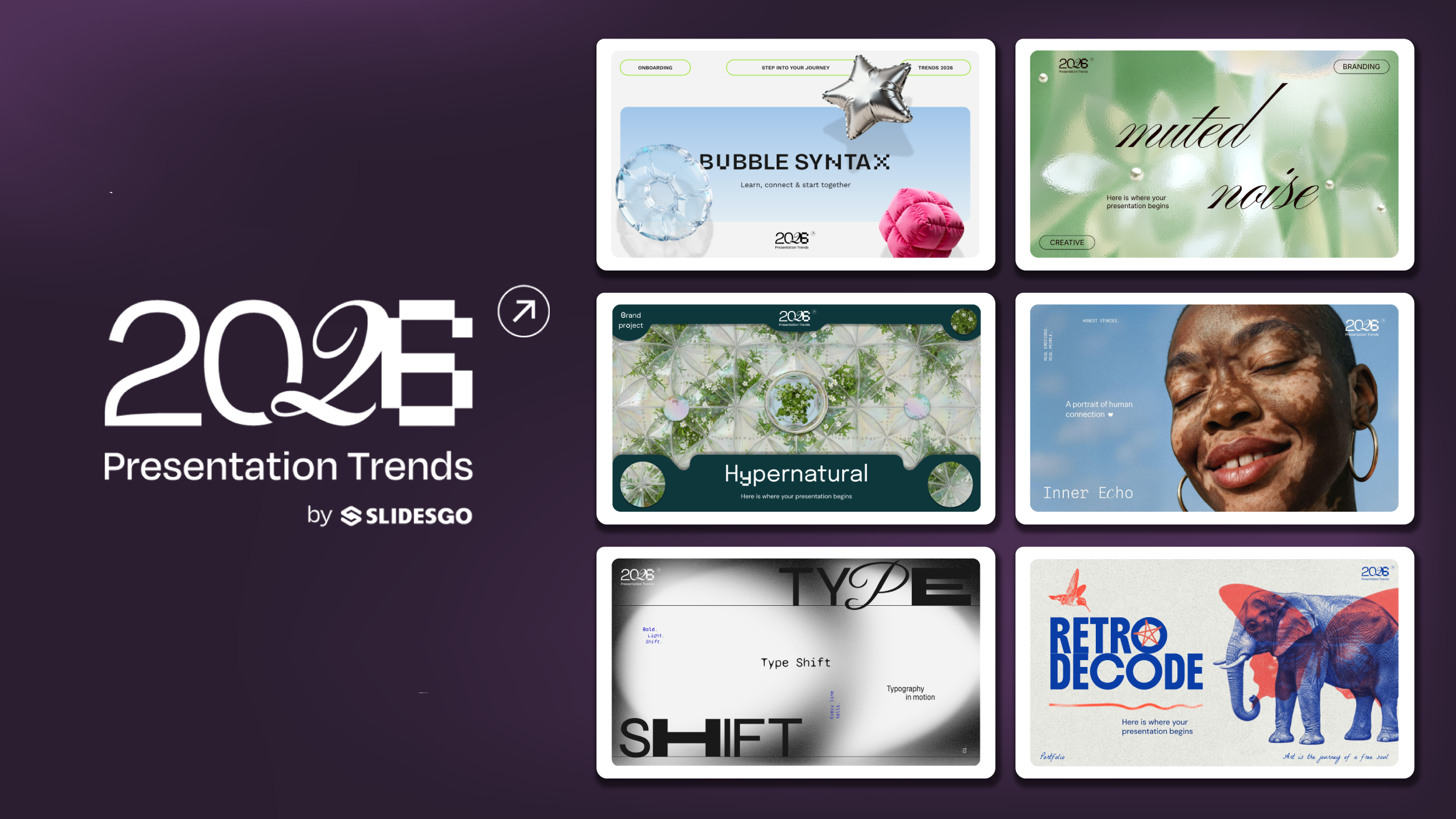
Presentation Design Trends 2026: 10 Styles Shaping Your Slides
In 2026, presentations are no longer just visual support tools—they’re becoming clear, human, and emotionally engaging experiences. Typography steps into the spotlight, shapes soften, and colors aim to restore focus on what really matters. Data and stories aren’t just shown; they’re spoken in a way that feels natural and considered.The way...
Creative PowerPoint Night Ideas
Want to be the star of your next PowerPoint Night? With the right ideas and a spark of creativity, you can turn any theme into a show-stopping experience that keeps everyone laughing and engaged. Whether you’re planning a friendly game night, a classroom challenge, or a team-building session, this guide is your...
Smart Guide: Best AI Prompts for Powerful Presentations
Ever stared at a blank slide, knowing your message matters but not sure how to bring it to life? You’re not alone. With the rise of AI Presentation Maker, more creators, educators, and professionals are asking: What are the best AI prompts for presentations?This guide shows you exactly how to...