
How Smart Template Matching Saves Hours on Your Next Presentation
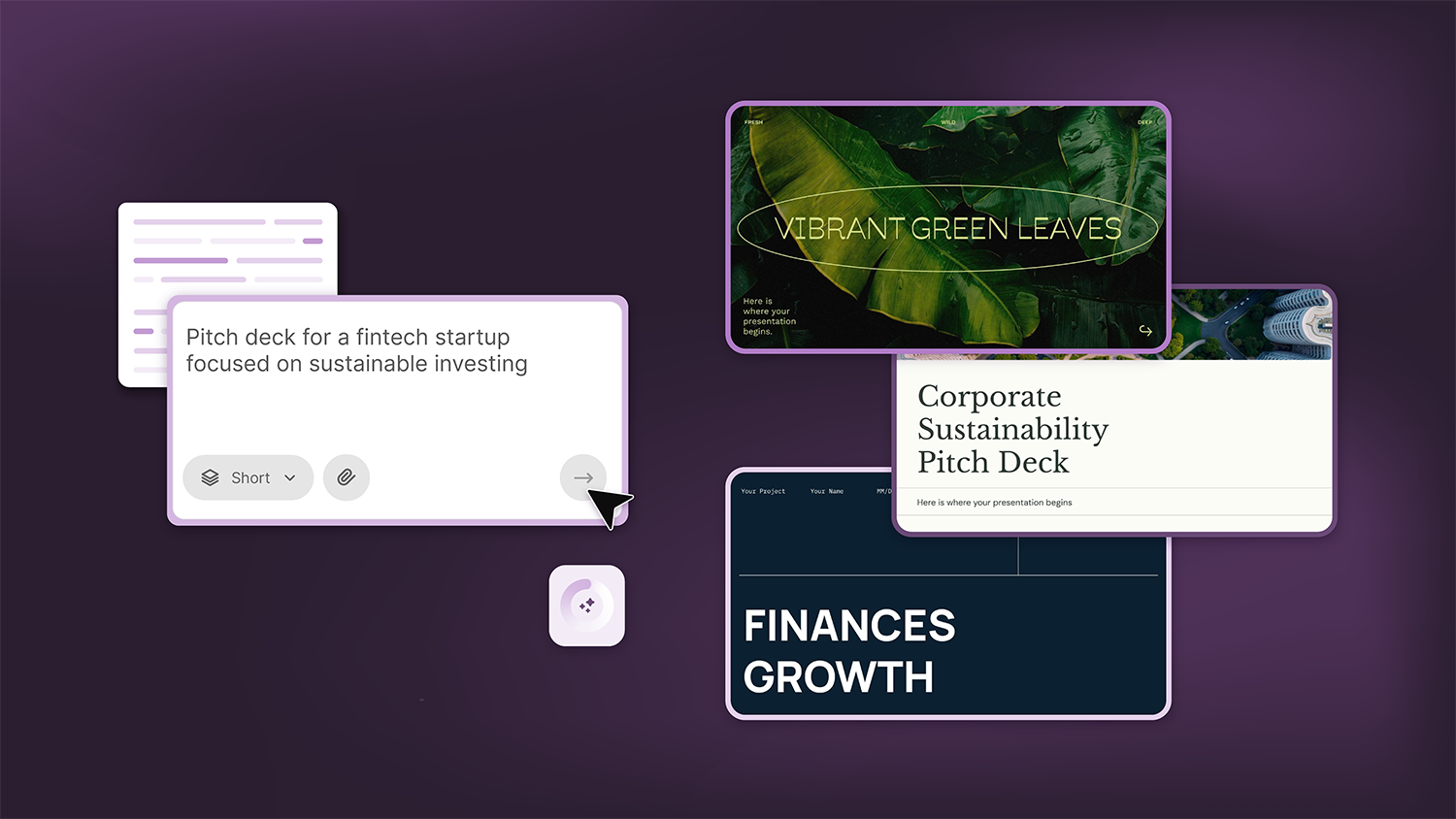
Find your perfect template, automatically
Great presentations look intentional—where the design supports the message. But finding a template that fits usually means scrolling through dozens of options. Now, you just type your topic. The tool reads your content and suggests templates that make sense: corporate layouts for business pitches, colorful designs for classroom activities, minimal styles for creative projects. Less browsing, more building.
How it works
Enter your presentation topic, and the AI does the rest. It reads your content, identifies key themes, and matches you with templates that fit. No browsing, no guesswork. Here's what the tool looks for:
- Subject matter: Educational topics get classroom-friendly designs; business topics get professional layouts.
- Tone and style: A playful theme surfaces creative templates; a formal report pulls sleek, minimal options.
- Visual elements: Topics mentioning nature, technology, or finance get templates with relevant icons, colors, and imagery built in.
Templates that match your topic
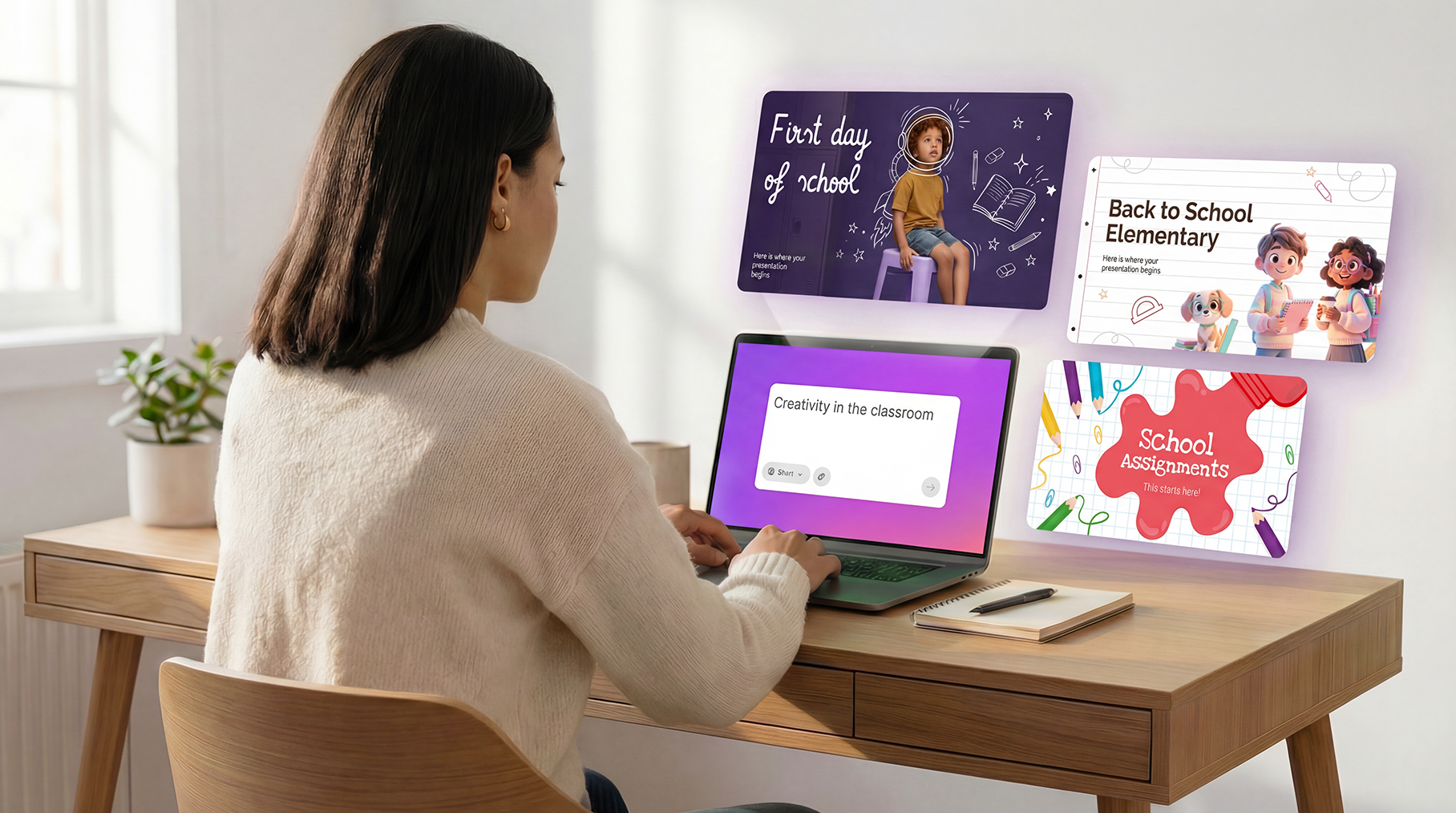
Creativity in the classroom
A teacher wants to inspire students with a lesson on creative thinking. The AI recognizes education-related keywords and suggests templates with colorful visuals, school icons, and engaging layouts designed to capture young attention.
Q4 Sales strategy
A marketing manager needs to present quarterly results to leadership. The tool identifies business and data themes, surfacing corporate templates with chart placeholders, clean typography, and professional color schemes.
Sustainable fashion pitch
A startup founder is pitching an eco-friendly clothing line to investors. The AI picks up on sustainability and fashion cues, recommending modern templates with organic shapes, earthy tones, and minimalist design.
Get better results
The more context you give, the smarter the suggestions. A few small details can make a big difference in finding the right template.
- Be specific with your topic: "Climate change" is good. "Climate change lesson for middle school students" is better.
- Include the purpose: Words like "pitch," "report," "lesson," or "workshop" signal what kind of layout you need.
FAQ
What if I don't like the suggested templates? No problem. The suggestions are a starting point, not a limit. Scroll down to explore more templates with different styles and designs.
Does this work for any topic? It works for virtually any subject—business, education, creative projects, personal use. The AI adapts to whatever theme you describe.
Do I need to write a detailed prompt? Not necessarily. Even a short topic works. But adding a bit more context (audience, tone, purpose) helps the AI suggest more relevant options.
Is this feature available for free users? Yes. Both free and premium templates appear in the suggestions, so you can choose based on your subscription.
Tags
BusinessDo you find this article useful?
Related tutorials
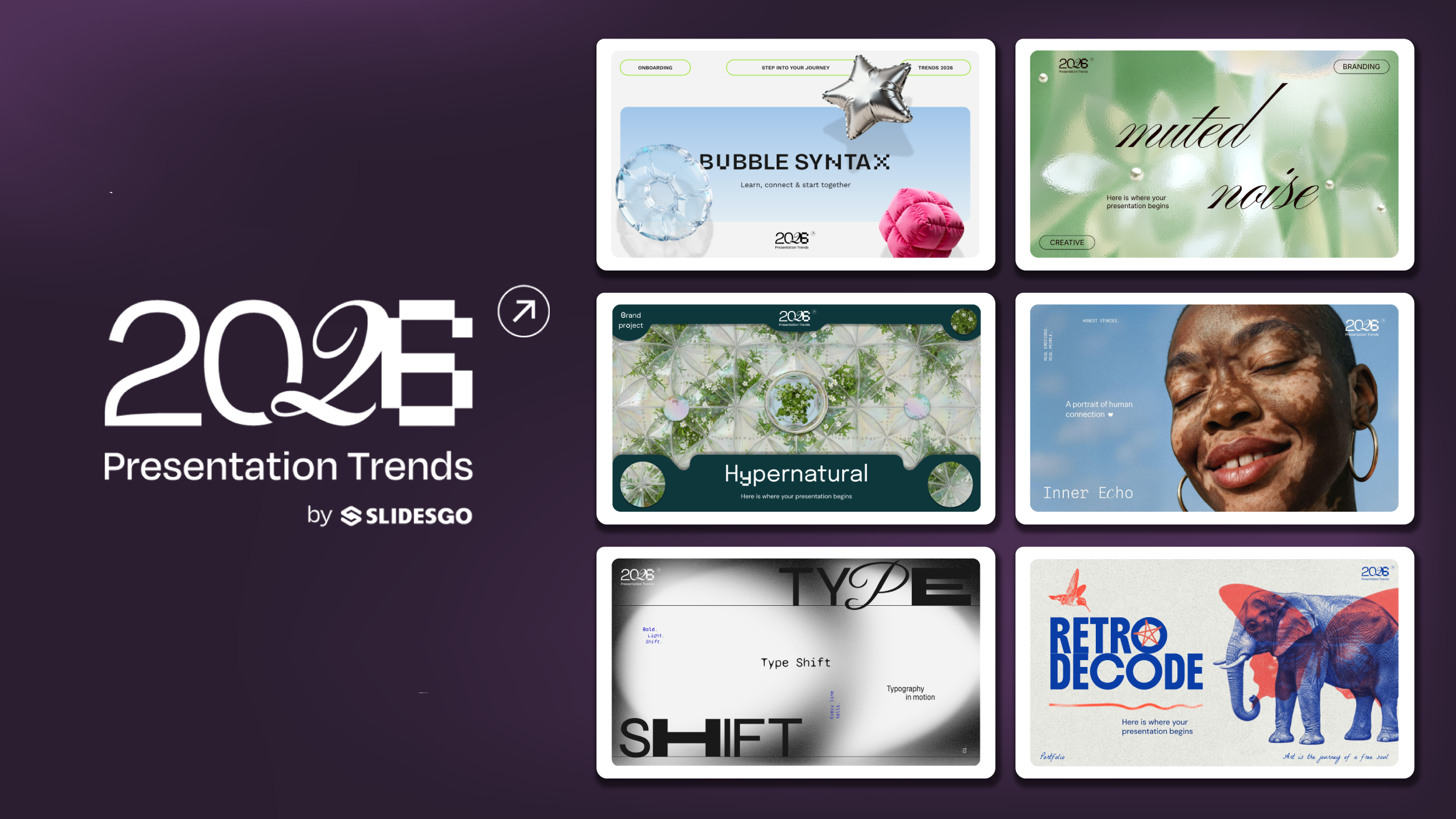
Presentation Design Trends 2026: 10 Styles Shaping Your Slides
In 2026, presentations are no longer just visual support tools—they’re becoming clear, human, and emotionally engaging experiences. Typography steps into the spotlight, shapes soften, and colors aim to restore focus on what really matters. Data and stories aren’t just shown; they’re spoken in a way that feels natural and considered.The way...
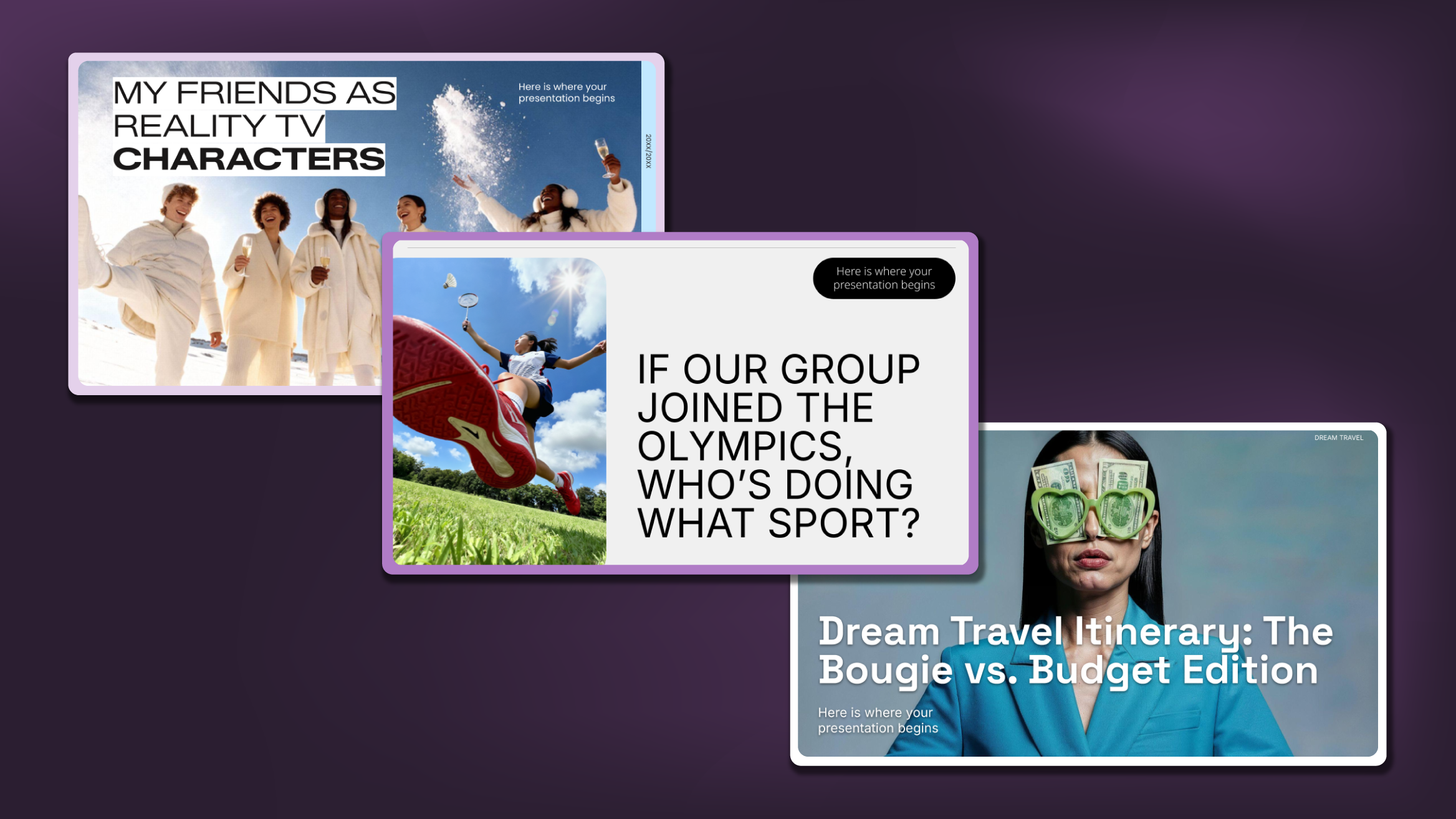
Creative PowerPoint Night Ideas
Want to be the star of your next PowerPoint Night? With the right ideas and a spark of creativity, you can turn any theme into a show-stopping experience that keeps everyone laughing and engaged. Whether you’re planning a friendly game night, a classroom challenge, or a team-building session, this guide is your...
Smart Guide: Best AI Prompts for Powerful Presentations
Ever stared at a blank slide, knowing your message matters but not sure how to bring it to life? You’re not alone. With the rise of AI Presentation Maker, more creators, educators, and professionals are asking: What are the best AI prompts for presentations?This guide shows you exactly how to...
How Teachers Are Really Using AI in the Classroom: Voices from the Field
“I hope that AI can ensure students are still doing the planning, writing, and critical thinking needed. Students can't lose these skills.” -6th grade Science Teacher, FloridaFull disclosure: I interviewed my mom for this blog post.My mom, a retired 25+ year veteran educator who recently returned to the classroom, told me...