
Best Free PowerPoint Alternatives: Smart Guide for 2026
Creating presentations that look great shouldn’t require expensive software or hours of design work. Today, more students, teachers, and professionals are turning to free PowerPoint alternatives that combine simplicity with creativity.
In this guide, you’ll discover how to find the best PowerPoint alternative in 2026, which features really make a difference, and practical tips to elevate your slides without any design knowledge.
Why Choose a Free PowerPoint Alternative?
PowerPoint has been the default choice for years, but it often comes up short for modern creators needing speed, collaboration, or standout visuals. Many alternative solutions now offer:
- A wide range of professional templates.
- Built-in AI tools that save hours.
- Seamless integration of graphics and icons.
- Web-based convenience with no software installs.
Who Benefits Most?
- Educators: Engage students with fresh, visual narratives.
- Students: Showcase research, ideas, and projects effortlessly.
- Business pros: Present data, strategies, and proposals without IT headaches.
Features to Look For in the Best PowerPoint Alternatives
Not every PowerPoint alternative offers the same quality. The more design experience behind it, the better your results will be. Here’s what to look for:
1. Extensive template library
Access to thousands of templates ensures you’ll always find a style that fits — whether it’s a business proposal, an academic presentation, or a creative portfolio.
2. AI-powered creation
Modern tools let you generate a complete slide deck from a prompt or even a PDF upload. AI Presentation Maker can help you transform outlines into connected stories in seconds.
3. Seamless customization
Look for platforms that plug into free graphics and icons (like Freepik or Flaticon) so you can add visuals in seconds with no design degree required.
4. Web-based and free
Skip the downloads and surprise charges — the best free PowerPoint alternatives let you start creating instantly.
Real-World Example: From Idea to Stunning Deck in 10 Minutes
AI tools like Slidesgo’s Presentation Maker make it easier to build presentations quickly and creatively. Here’s how it works in practice:
- Write a broad topic or upload an outline/PDF.
- Select the number of slides (short or informative).
- Choose the theme that suits you best.
For instance, a teacher preparing a lesson on "Climate Change" can upload a short summary, using the AI Presentation Maker and pick from eco-focused templates.
Common Mistakes to Avoid — And Best PracticesThat Work
With so many tools at your fingertips, it’s easy to rely too much on flashy effects or to copy slide after slide without a coherent message. Here’s how to sidestep common pitfalls and make the most of Slidesgo’s AI tool:
- Mistake: Overloading slides with text or data
- Best Practice: Use the 1-6-6 rule (1 idea, no more than 6 lines, 6 words each) for clarity.
- Mistake: Inconsistent visuals or mixed styles
- Best Practice: Choose a cohesive template — minimalist designs, for example keep your message focused and professional.
- Mistake: Neglecting story flow
- Best Practice: Leverage AI to build logical, narrative-driven sequences for lasting impact.
Conclusion
Slidesgo is a PowerPoint alternative which offers a balance of design, functionality, and accessibility that makes creating engaging presentations easier than ever. By combining AI-powered generation, rich template libraries, and smart integrations, you can design decks that look professional and tell compelling stories.
Explore these tools at your own pace — sometimes, the best ideas start with the right slide. If you’d like to get even better results, check out our related post: “How to write a great AI prompt”.
Do you find this article useful?
Related tutorials
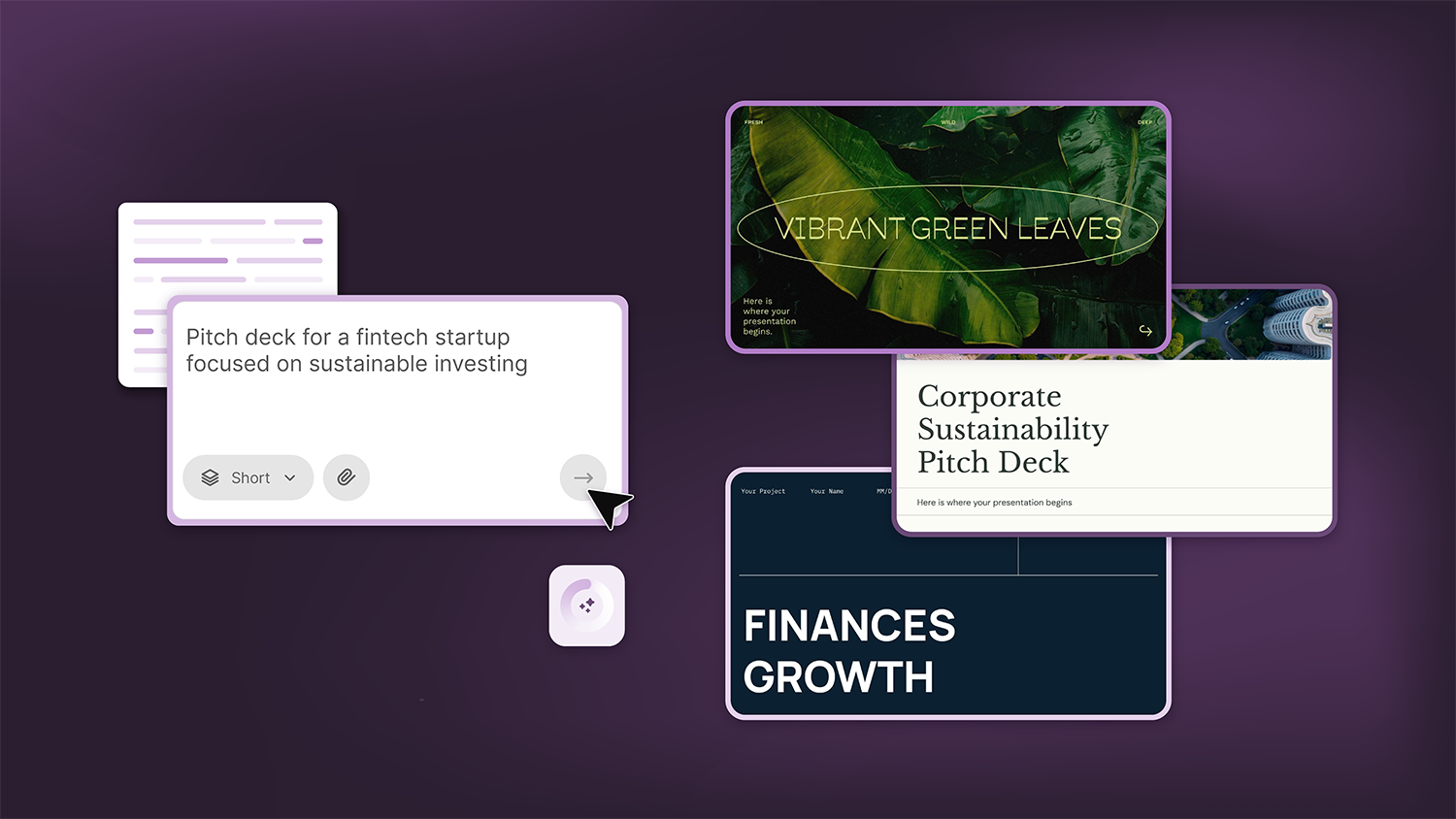
How Smart Template Matching Saves Hours on Your Next Presentation
Content Find your perfect template, automatically How it works Templates that match your topic Get better results FAQ Skip the Search, Start Creating Find your perfect template, automatically Great presentations look intentional—where the design supports the message. But finding a template that fits usually means scrolling through dozens of options....
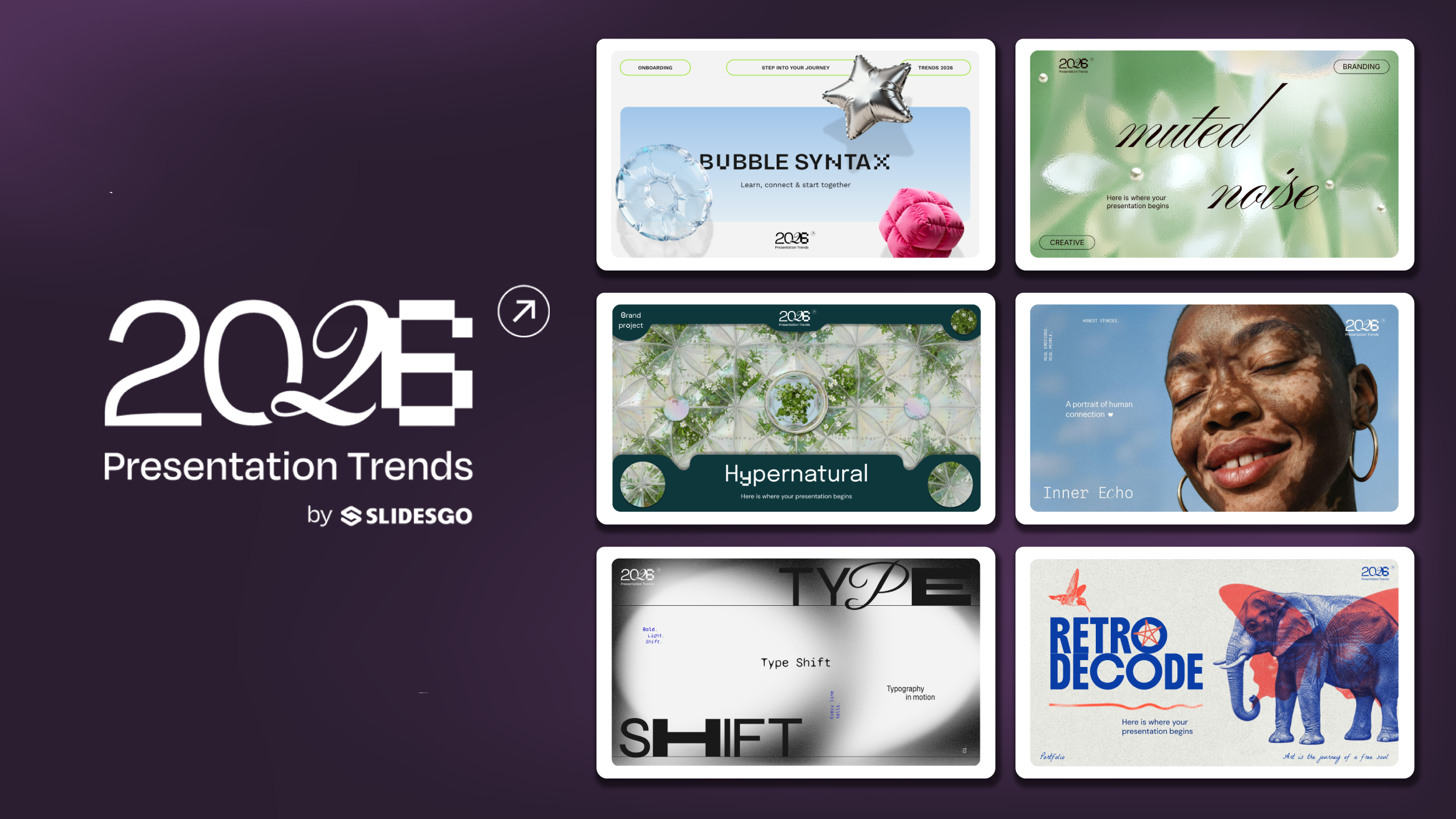
Presentation Design Trends 2026: 10 Styles Shaping Your Slides
In 2026, presentations are no longer just visual support tools—they’re becoming clear, human, and emotionally engaging experiences. Typography steps into the spotlight, shapes soften, and colors aim to restore focus on what really matters. Data and stories aren’t just shown; they’re spoken in a way that feels natural and considered.The way...
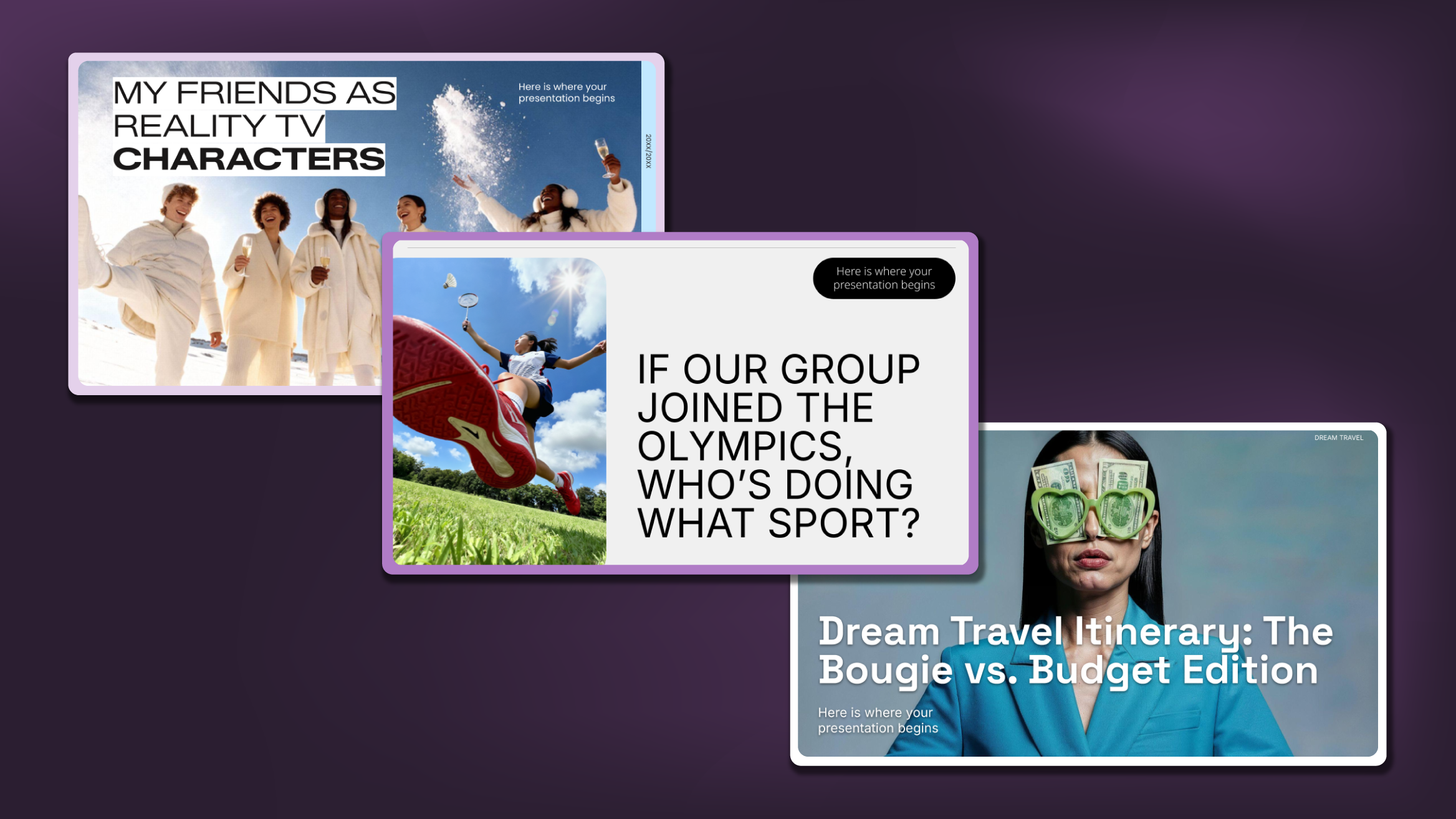
Creative PowerPoint Night Ideas
Want to be the star of your next PowerPoint Night? With the right ideas and a spark of creativity, you can turn any theme into a show-stopping experience that keeps everyone laughing and engaged. Whether you’re planning a friendly game night, a classroom challenge, or a team-building session, this guide is your...
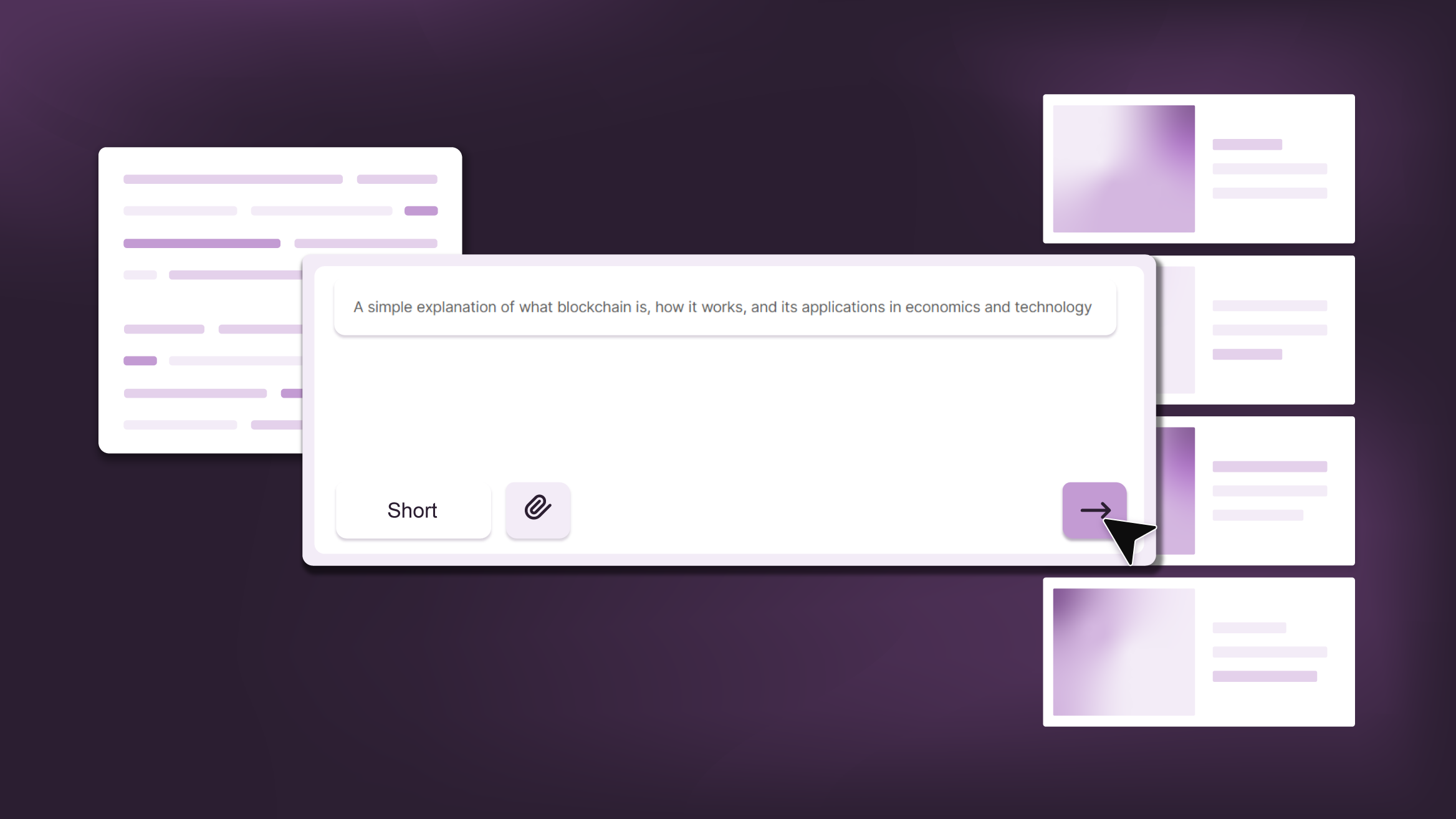
Smart Guide: Best AI Prompts for Powerful Presentations
Ever stared at a blank slide, knowing your message matters but not sure how to bring it to life? You’re not alone. With the rise of AI Presentation Maker, more creators, educators, and professionals are asking: What are the best AI prompts for presentations?This guide shows you exactly how to...