
How to Personalize Your Presentations with Slidesgo’s AI-Powered Tools
You’ve got the story—now make it look and sound like you. Whether you’re teaching a lesson, designing a sales pitch, or sharing your research, Slidesgo’s updated AI Presentation Maker puts more creativity and control right at your fingertips. (And we all want more control, right?).
What you’ll find here:
- New personalization features make it easier to tailor your presentation from the start:
- Upload your own content (DOCX, PDF, TXT) to streamline your work instead of reinventing the wheel.
- Choose image styles to match your tone and bring higher engagement to your audience.
- Pick from Slidesgo’s gorgeous themes to wrap your content with eye-catching and professional designs.
Try it now for free → Create Your Presentation
Let AI Work With Your Content
Copy and paste is OUT. Instead, just upload files directly into the Presentation Maker. AI will automatically scan your content, extract key points, and turn them into structured slides that reflect your voice and intent.

What you can upload:
- DOCX files with project briefs
- PDFs from reports or proposals
- TXT files with class notes, brainstorms, or scripts
Perfect for teachers, business teams, or anyone working with pre-written materials.
Choose the Image Style That Matches Your Message
Design is more than decoration—it’s how your message comes to life. Now, you can choose the visual style that best matches your content directly from the prompt box.
Photography: Realistic, polished images - try this for business, healthcare, and educational topics

Illustration: Hand-drawn and imaginative—perfect for teachers, students, and creatives.

3D Style: Bold, colorful, and playful—great for social, youth-oriented, or informal presentations.

Images auto-match your text but can be resized, moved, or replaced during editing.
Now, Let Us Make it Pretty
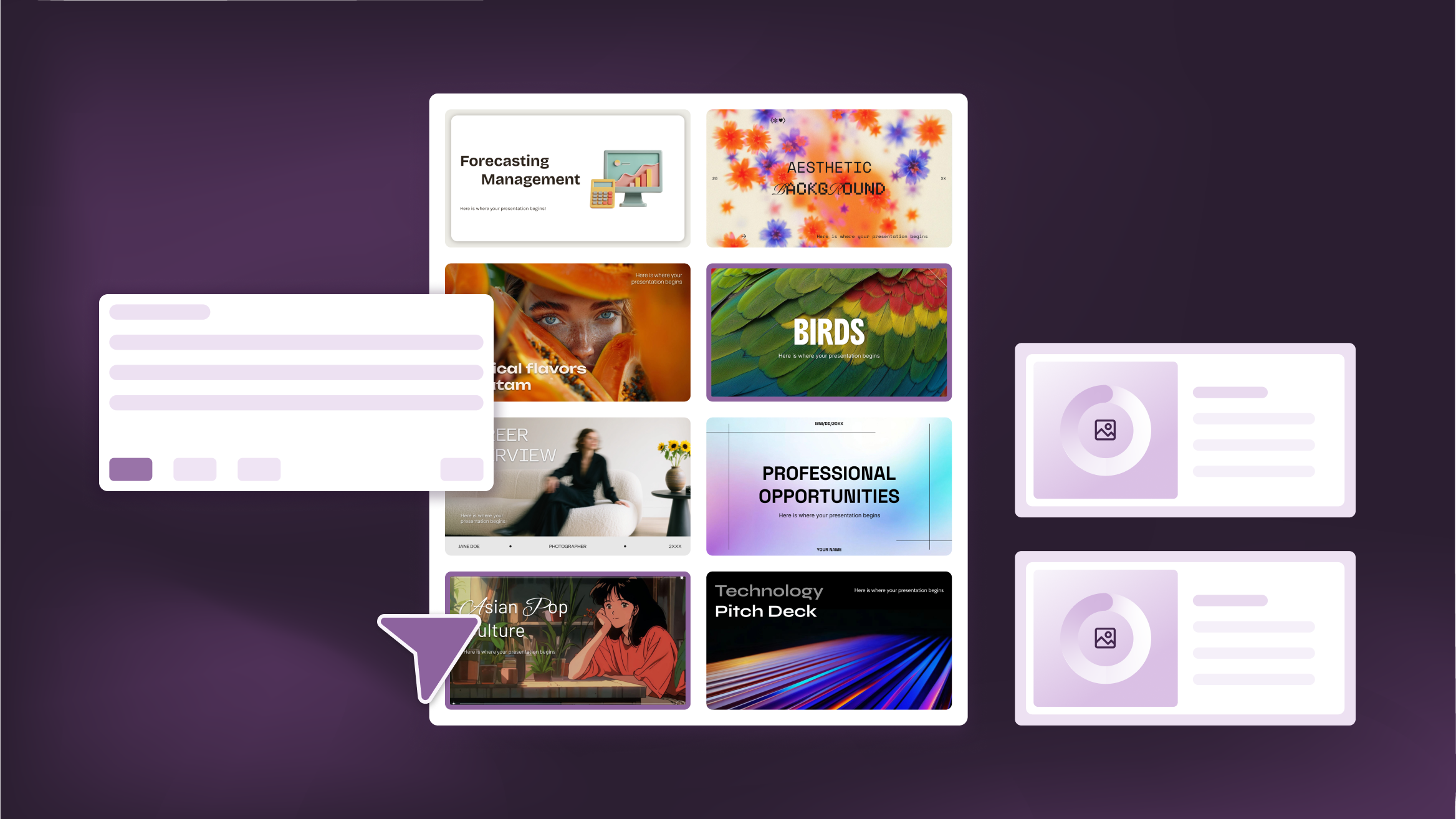
We are famous for our slide deck designs and options - and for a reason. Now that you have an Image Style, select a theme that fits your content, and we’ll apply it all automatically— with fonts, colors, and layout. The hardest part is choosing!

Each theme is designed by our incredible team of creatives, tested for readability, and optimized for engagement. And we're adding new ones all the time!
Too Hard to Choose? Here are Some We Love:
- If you have drawers full with samples of your newest line… check out “Effective Time Management”
- If you read James Joyce in your spare time… check out “Argumentative Fallacy”
- If you love an iced matcha latte… check out “Aestetic Background”
- If you frequent architectural tours… check out “Minimalist Conference Style Presentation”
Go ahead, take it for a spin — hover your mouse to explore the deck preview.
Who Will Love These New Features?
This update is built for anyone who wants faster, better-looking presentations with less effort:
- Teachers & Educators: Turn lesson plans and PDFs into slides in seconds, then select a style to engage the class (so you can invest more time on grading!)
- Students: Upload your notes and let us structure your research.
- Marketing Teams: Convert proposals into client-ready decks.
- Startup Founders: Quickly generate polished pitch decks to share with investors.
Need a 101 course? Check out our Guide to Better Prompting article
Try It Now
Creating a unique presentation doesn’t have to take hours. With the new features in Slidesgo’s Presentation Maker, you can go from raw content to polished slides—styled your way—in just a few clicks.
👉 Start your personalized AI presentation for free
Do you find this article useful?
Related tutorials
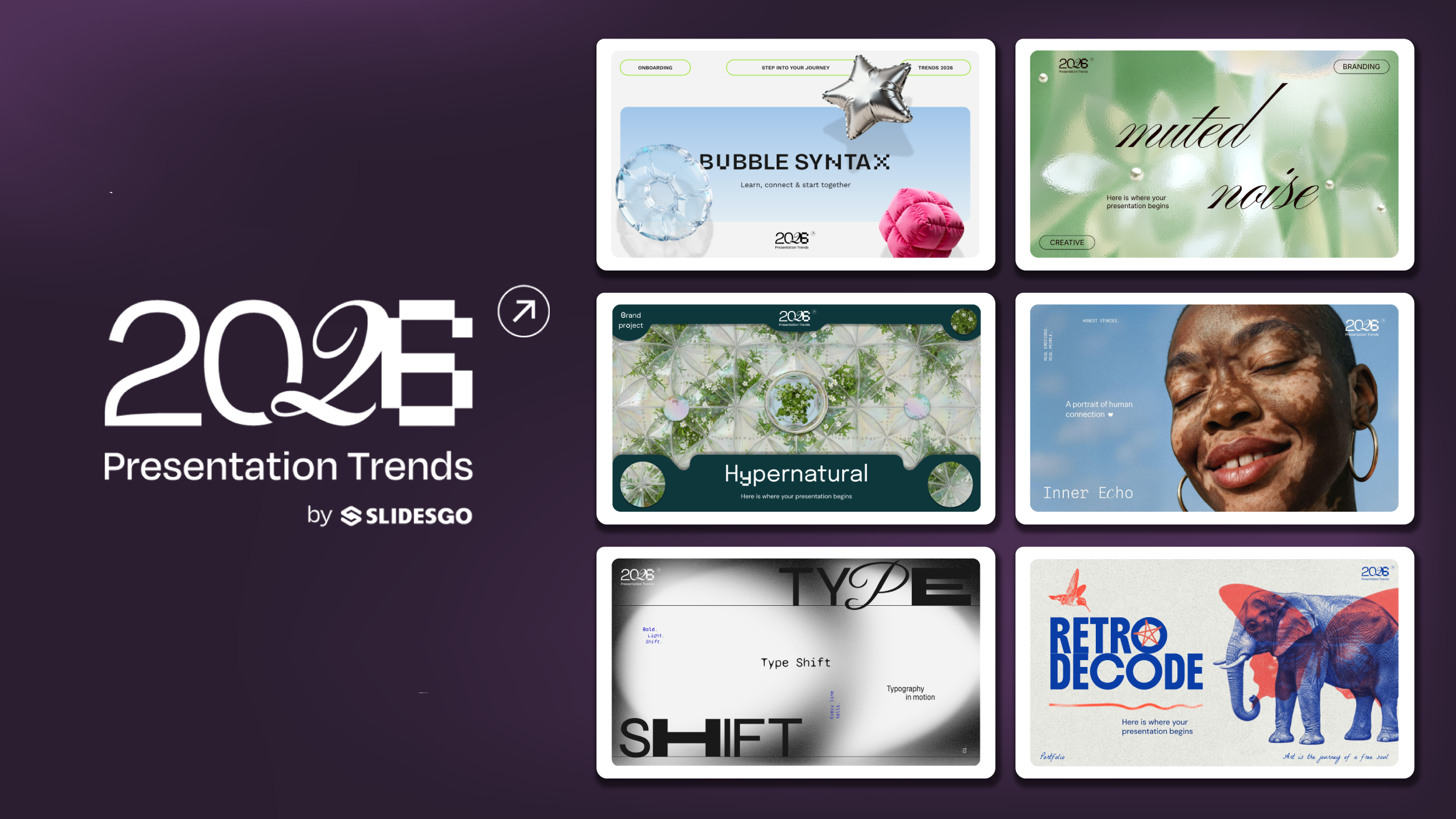
Presentation Design Trends 2026: 10 Styles Shaping Your Slides
In 2026, presentations are no longer just visual support tools—they’re becoming clear, human, and emotionally engaging experiences. Typography steps into the spotlight, shapes soften, and colors aim to restore focus on what really matters. Data and stories aren’t just shown; they’re spoken in a way that feels natural and considered.The way...
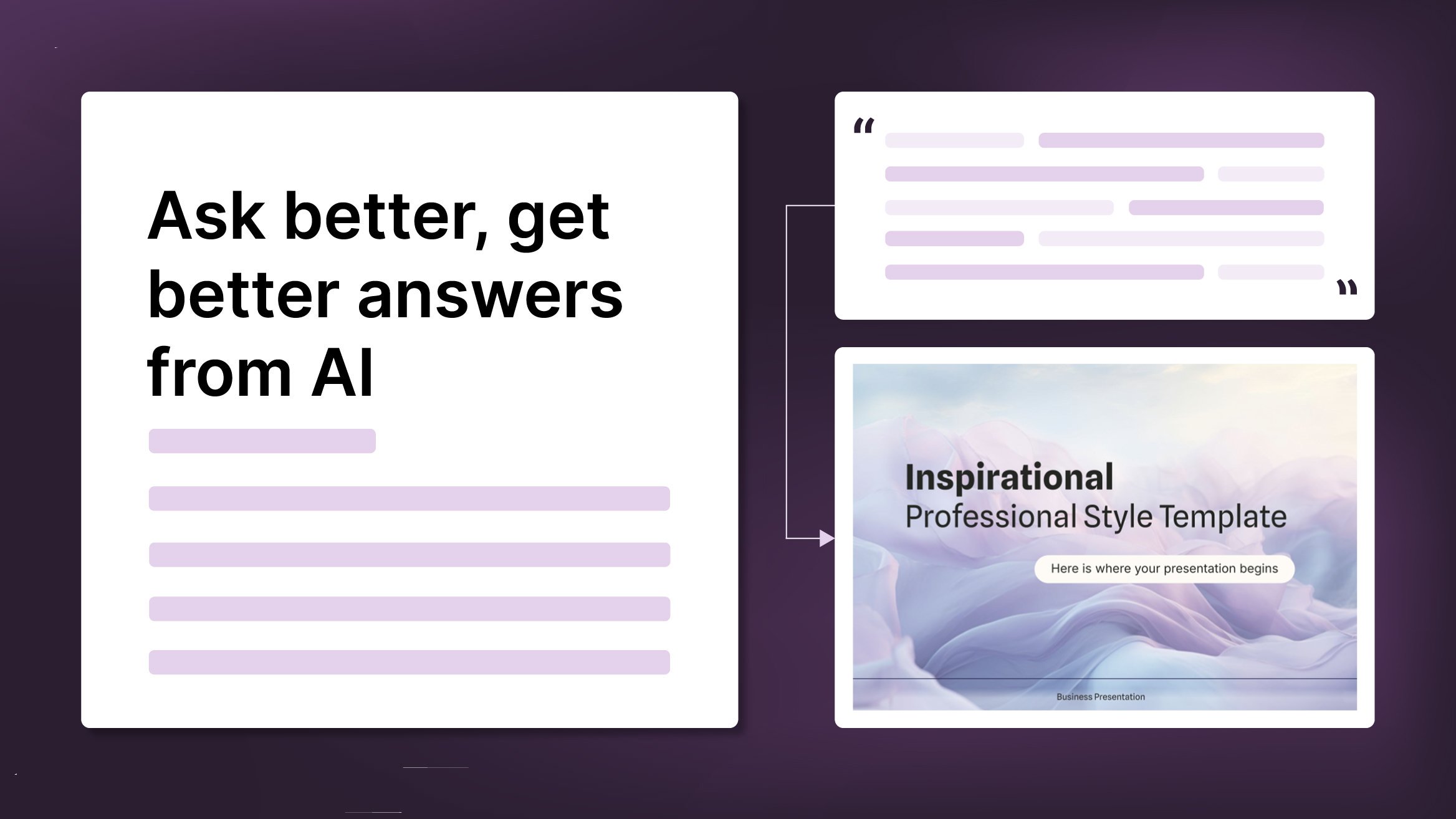
How to Write a Great AI Prompt
Our tools are built to be simple and easy to use (though, honestly, there's a lot happening behind the scenes). Have you ever struggled with an empty text box?:Condensing all your ideas and goals into a single prompt can feel overwhelming. But don’t worry—there are a few simple tricks that can...
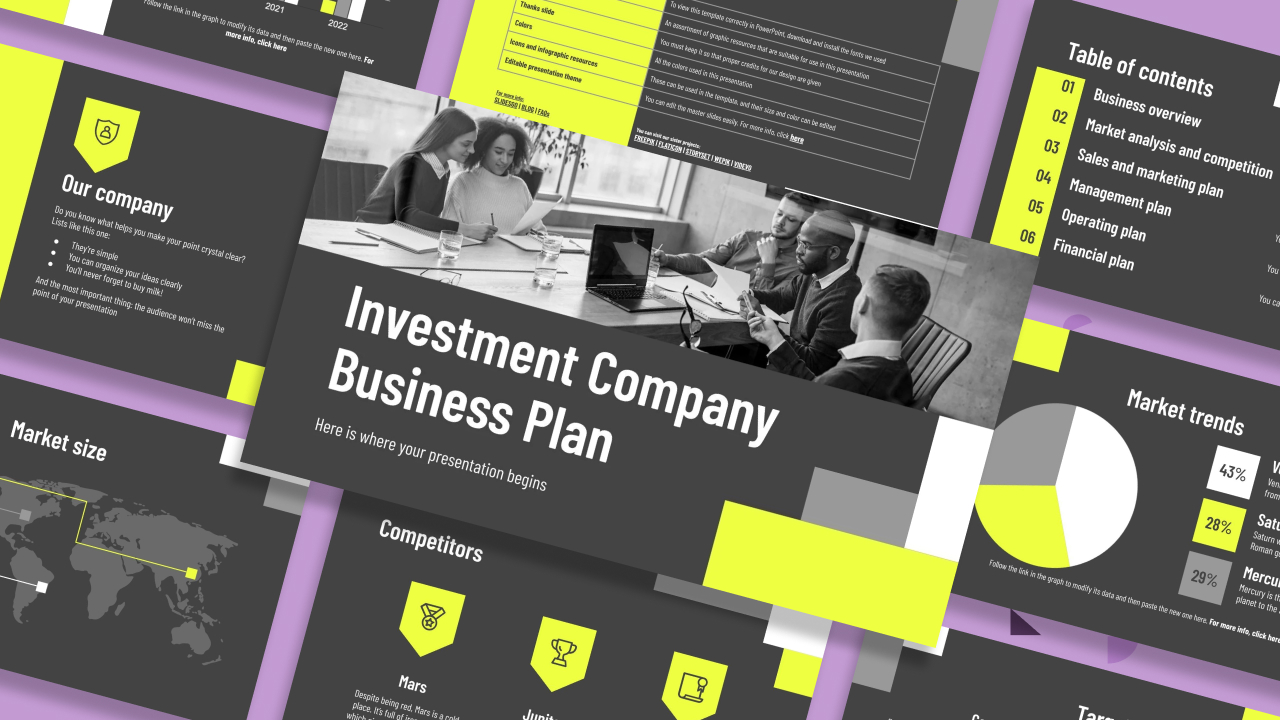
How to present a business plan (with tips and templates)
The aim of a good business plan is to get an external party interested in a particular business project. Whether it’s an investor or a potential partner, business plans have to be powerful enough to paint a picture and motivate action.For a long time, business projects exist only in the minds...
Lesson plan generator: AI-mazing classes that empower minds
Teaching is an art, but even the most creative educators need a little help streamlining their planning. With just 24 hours in a day, it often feels like we need days with 37 hours to get everything done. That’s where we at Slidesgo come in, tackling this issue head-on and developing a practical,...