
Join our webinar and learn advanced editing in PowerPoint
Tags
Edit & FormatDo you find this article useful?
Related tutorials

Why do you need Slidesgo if you are a student?
Being a student can be a bit tough— juggling deadlines to absorbing heaps of new information, students face many challenges on a daily basis.Fortunately, technology has tackled some of the most time-consuming aspects of learning, giving students room to develop complex skills. Even if traditional education is still catching up...

Entrepreneurship and Personal Development Hackathon: The magic of learning by doing
The new generations show us that the way of learning has completely changed. Now more than ever, it is key to encourage and support the development of social and entrepreneurial skills in children so that they can become more actively involved in their learning. Participating in creative projects and collaborative activities...
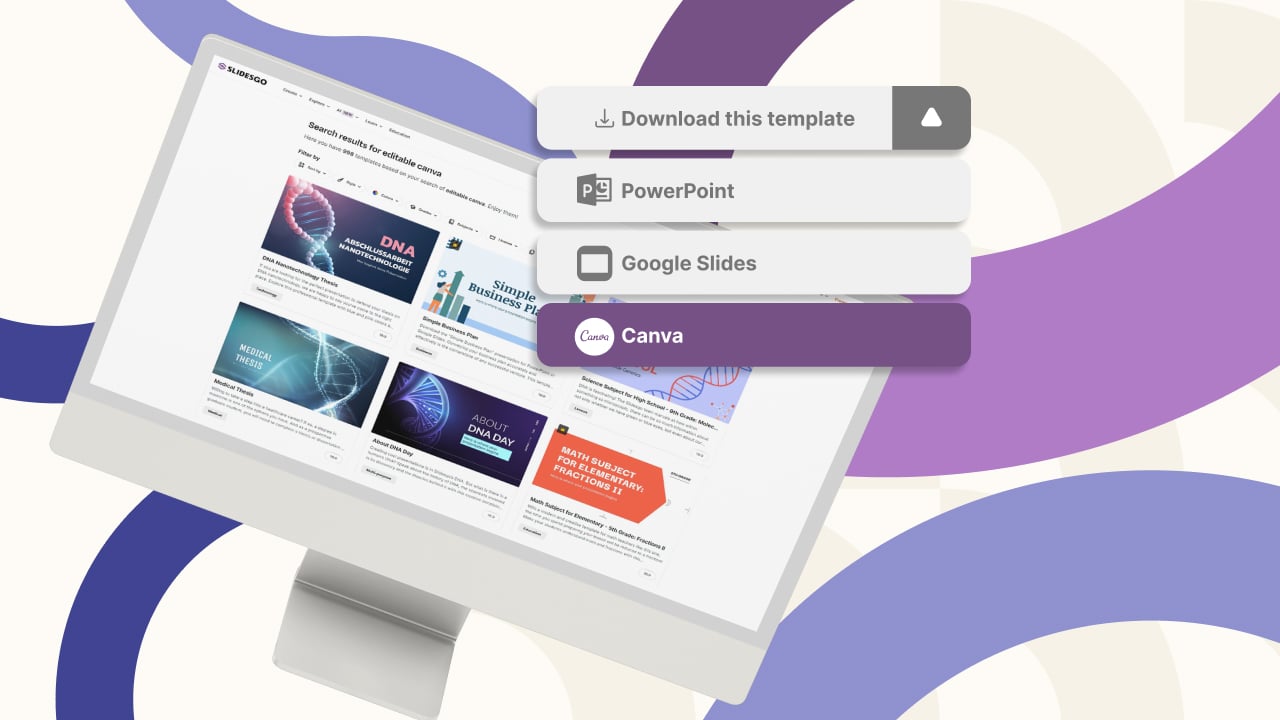
New feature available: edit our templates with Canva
Whenever you need to create, Slidesgo is there. We’re continually enhancing your presentation design process with templates that are primed to impress for any occasion. And in order to let your ideas flow best, comfort is key. How could Slidesgo help you with this? By making you feel right at home with...
Smartick, now available on Slidesgo
In the few years since its launch, Slidesgo has become one of the most popular sources of Google Slides and PowerPoint templates for creative presentations. Educators from all levels have experienced the ease of creating visually striking presentations using Slidesgo’s templates.However, great-looking templates are not the only things on our...